
Laptop Keyboard Replacement
Keys that stick, type the wrong letter or do nothing – laptop keyboards replaced in Cambridge & Dagenham, including the ones built into the top case
Laptop keyboard replacement in Cambridge and Dagenham
A few dead keys, a key that repeats, a drink that went across the whole thing, or keys that have fallen off and will not clip back: we replace laptop keyboards for Dell, HP, Lenovo, Asus, Acer, MSI, Surface and MacBook. Some keyboards unscrew; many are riveted into the top case, and we handle both.
- UK layout keyboards, backlit where the original was
- Single keys and clips replaced where the keyboard is otherwise fine
- Top-case replacements for keyboards that are riveted in
- No fix, no fee and a 12-month warranty
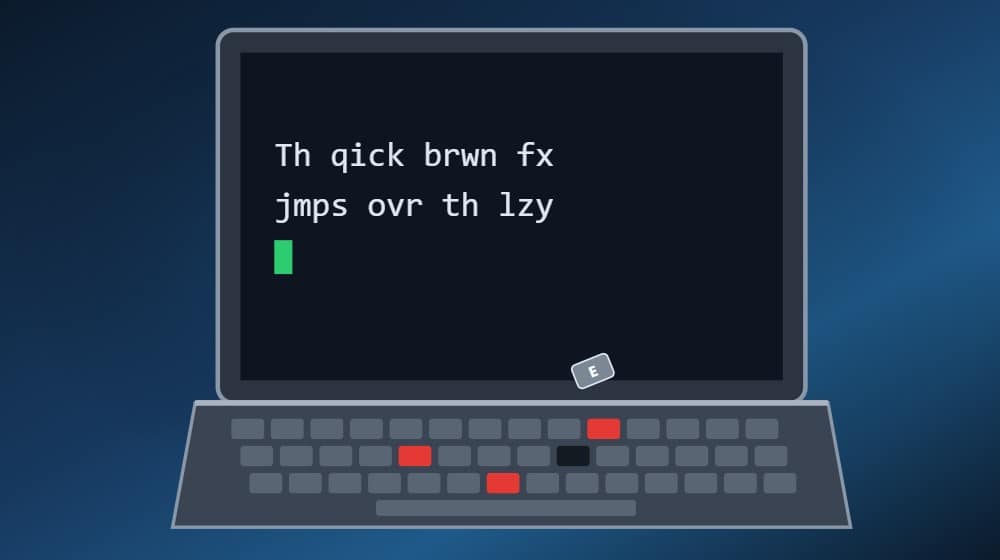
How a keyboard replacement works
Three steps, and you only do the first one.
Was it a spill? Switch the laptop off now and do not charge it. Liquid runs past the keyboard onto the motherboard, and that is the part that matters. We clean the board first and replace the keyboard afterwards. What to do after a spill
Keyboard problems we fix
From one broken clip to a keyboard that types on its own.
Dead keys
One or more keys do nothing. Usually the membrane under the key has failed; sometimes it is the connector.
Keys typing by themselves or repeating
Ghost typing, a key that repeats, or random letters: a damaged membrane, often after a spill.
Key cap fallen off
If the plastic clip under the cap is intact we refit it. If the clip has snapped we fit a new cap and clip set.
Sticky or crunchy keys
Sugar from a drink makes keys stick. A clean sometimes works; a replacement keyboard is the reliable fix.
Backlight not working
The backlight fails separately from the keys. It can be the keyboard, the cable or a setting; we check the easy things first.
Keyboard or trackpad not detected
Windows says there is no keyboard at all. Often the ribbon cable or connector rather than the keyboard itself.
What we replace
Depends on how your laptop was built. We quote the right one.
Screw-in keyboards
Older and business laptops such as many ThinkPads, Latitudes and ProBooks. The keyboard lifts out and a new one drops in. Quick and relatively cheap.
Riveted keyboards and top cases
Most consumer laptops have the keyboard melted into the palm rest. The fix is a new top case with the keyboard fitted, into which we transfer the trackpad, power button and fingerprint reader.
Single keys and clips
Where only one or two caps or clips are broken we fit the matching key set rather than a whole keyboard.
MacBook keyboards
MacBook keyboards are part of the top case along with the battery and trackpad. It is a bigger job, so we quote it properly and tell you if a cheaper single-key fix is possible.
Why have it done here
The keyboard is the part you touch all day. It should feel like new.
Correct layout and backlight
UK layout as standard, or the layout you ask for. If the original was backlit, so is the replacement.
Spill damage checked underneath
After a spill we inspect and clean the motherboard before fitting the keyboard, so the new keyboard does not go on top of a board that is still corroding. Motherboard repair
Everything transferred, everything tested
Trackpad, power button, fingerprint reader and speakers moved to the new top case where needed, then every key tested.
12-month warranty, no fix no fee
If the keyboard fails under warranty we replace it. If we cannot fix it, you do not pay for the labour.
Questions customers ask
Straight answers before you book.
How much does a laptop keyboard replacement cost?
A screw-in keyboard is the cheapest; a top-case replacement costs more because the part is bigger and the job takes longer; MacBooks are the most expensive. Send us the model and we give you one price for the part and the fitting. General pricing is on the prices page.
Can you replace just one key?
Yes, if the keyboard is otherwise fine and the right key set is available for your model. If the clip under the key has snapped, we fit a new cap and clip.
How long does it take?
Screw-in keyboards take under an hour once the part is here. Top-case keyboards take one to two hours. Parts usually arrive in one to two working days.
I spilled a drink on it. Is a new keyboard enough?
Often not. The liquid goes through the keyboard onto the motherboard. We check and clean the board first, then replace the keyboard. Switch it off now and do not charge it until we have seen it.
Will I lose my files?
No. A keyboard replacement does not involve the drive.
My keyboard is built into the laptop. Can it still be replaced?
Yes. We replace the whole top case with the keyboard already fitted, and move your trackpad, power button and fingerprint reader across.
Do you do MacBook keyboards?
Yes. On most MacBooks the keyboard, battery and trackpad are one top-case assembly, so it is a bigger job. We quote it before you commit and tell you if a single key or a clean is enough.
Can I get a different layout?
Yes. UK is standard; we can fit US, German, Polish and other layouts where they exist for your model.
Where to bring it
Our workshops work by appointment, so please call or message us first.
Fulbourn, Cambridge
CamLife 4, Capital Park, Fulbourn, CB21 5XE
Monday to Friday 7am to 7pm
Weekends 7am to 7pm
Mill Road, Cambridge
163 Mill Road, CB1 3AN
Monday to Friday 9am to 9pm
Weekends 10am to 8pm
Dagenham
48 Northfield Road, RM9 5UR
Every day 7am to 9pm
Weekends and bank holidays 8am to 9pm
Keys not working? Get a price today.
Send us the model and a photo of the keyboard and we will quote the key, the keyboard or the top case.
Related:
Screen replacement
Battery replacement
Hinge repair
Charging port repair
Liquid spill repair
MacBook repairs
Prices
All services