
Laptop Screen Replacement
Cracked, black, flickering or lined laptop screens replaced in Cambridge & Dagenham – every make, the exact panel for your model, 12-month warranty
Laptop screen replacement in Cambridge and Dagenham
Cracked it, sat on it, or it just went black? We replace laptop screens for every make: Dell, HP, Lenovo, Asus, Acer, MSI, Microsoft Surface and MacBook. Tell us the model, we quote the exact panel and the fitting, and once the screen arrives the swap usually takes about an hour.
- All sizes and types: HD, Full HD, 2K and 4K, IPS, 120 Hz and 144 Hz gaming panels, touchscreens
- A new panel matched to your model, not a cheaper lower-resolution one
- No fix, no fee and a 12-month warranty on the repair
- Your files stay untouched: a screen swap never needs a wipe
How a screen replacement works
Three steps, and you only do the first one.
Not sure whether it is the screen or the graphics chip? Plug the laptop into a TV or monitor. If the picture is fine on the external screen, the panel is the problem and this is the page you need. If the external picture is broken too, it is a motherboard job and we can diagnose it.
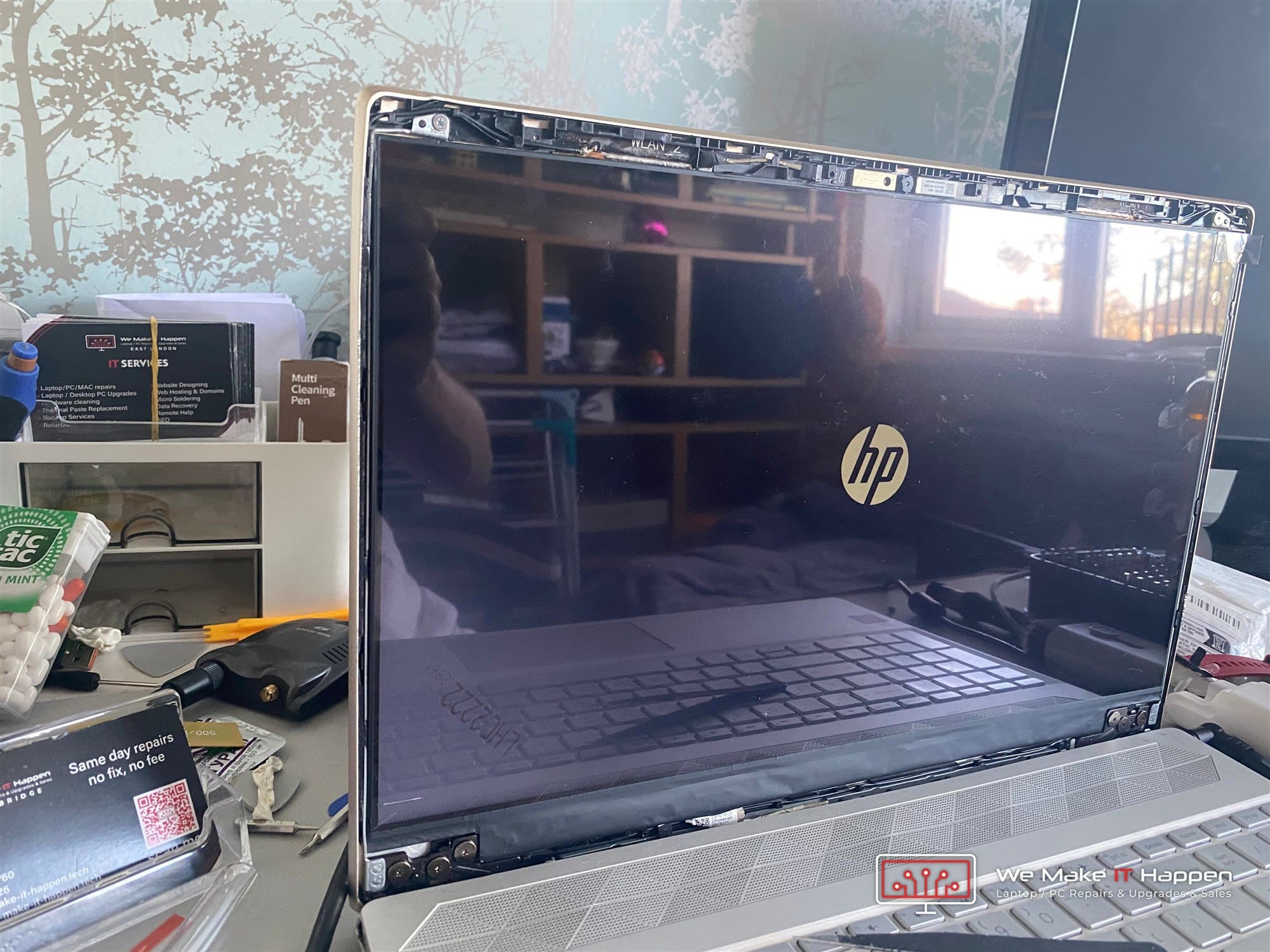
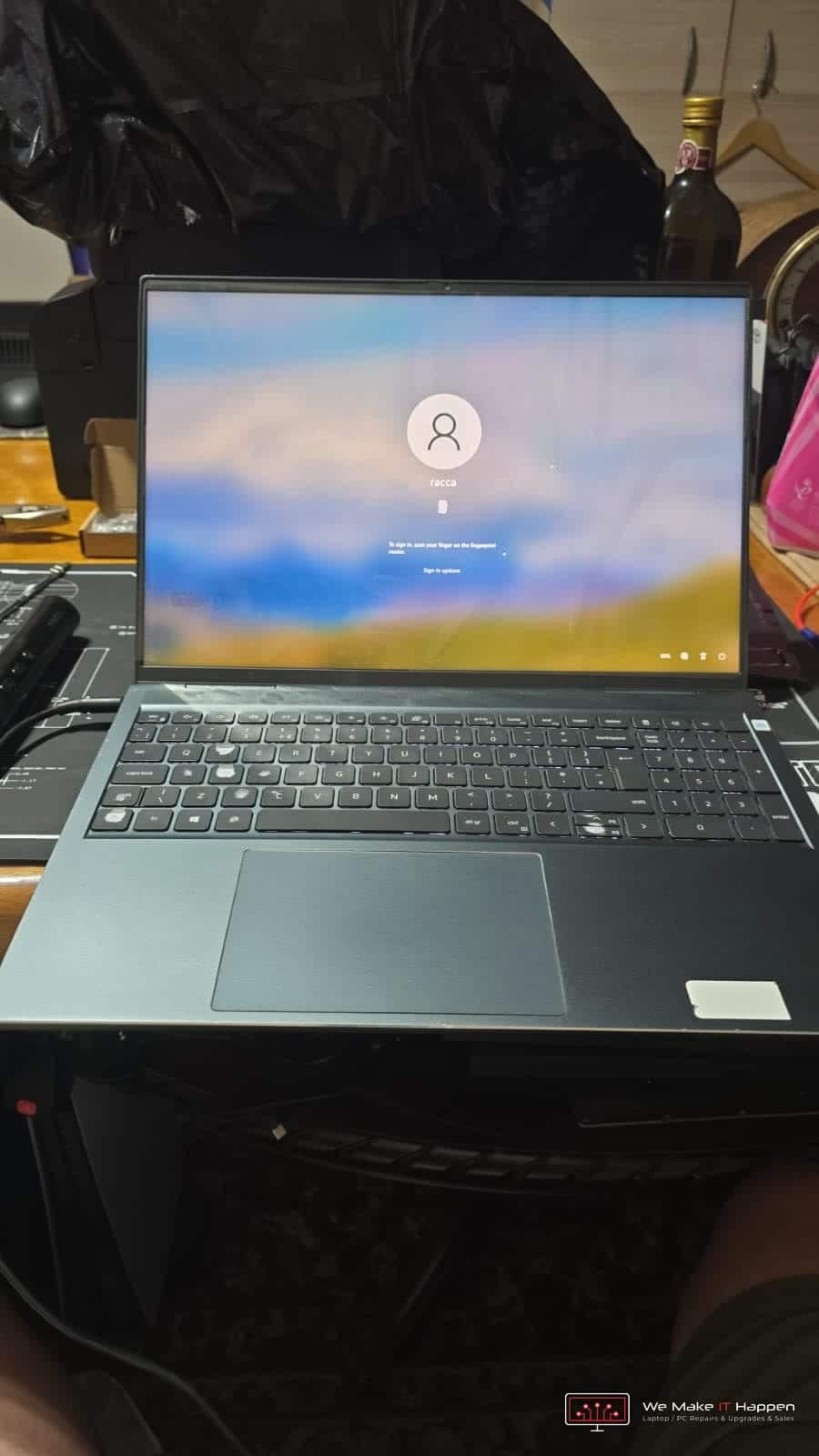
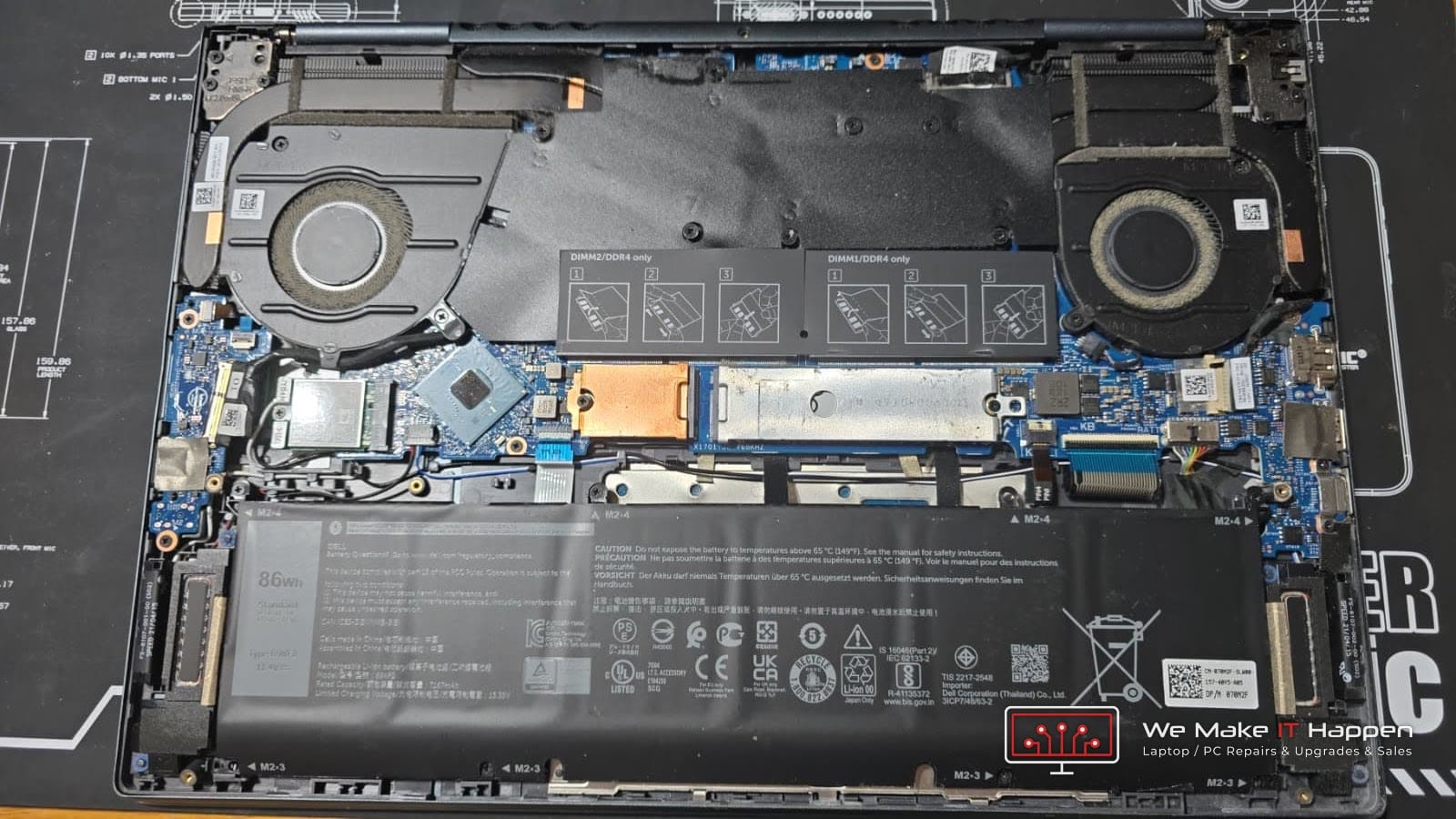
Real screen replacements from our workshop
Windows laptops and MacBooks, Cambridge and Dagenham. Every one left with a new panel matched to the model and a 12-month warranty.
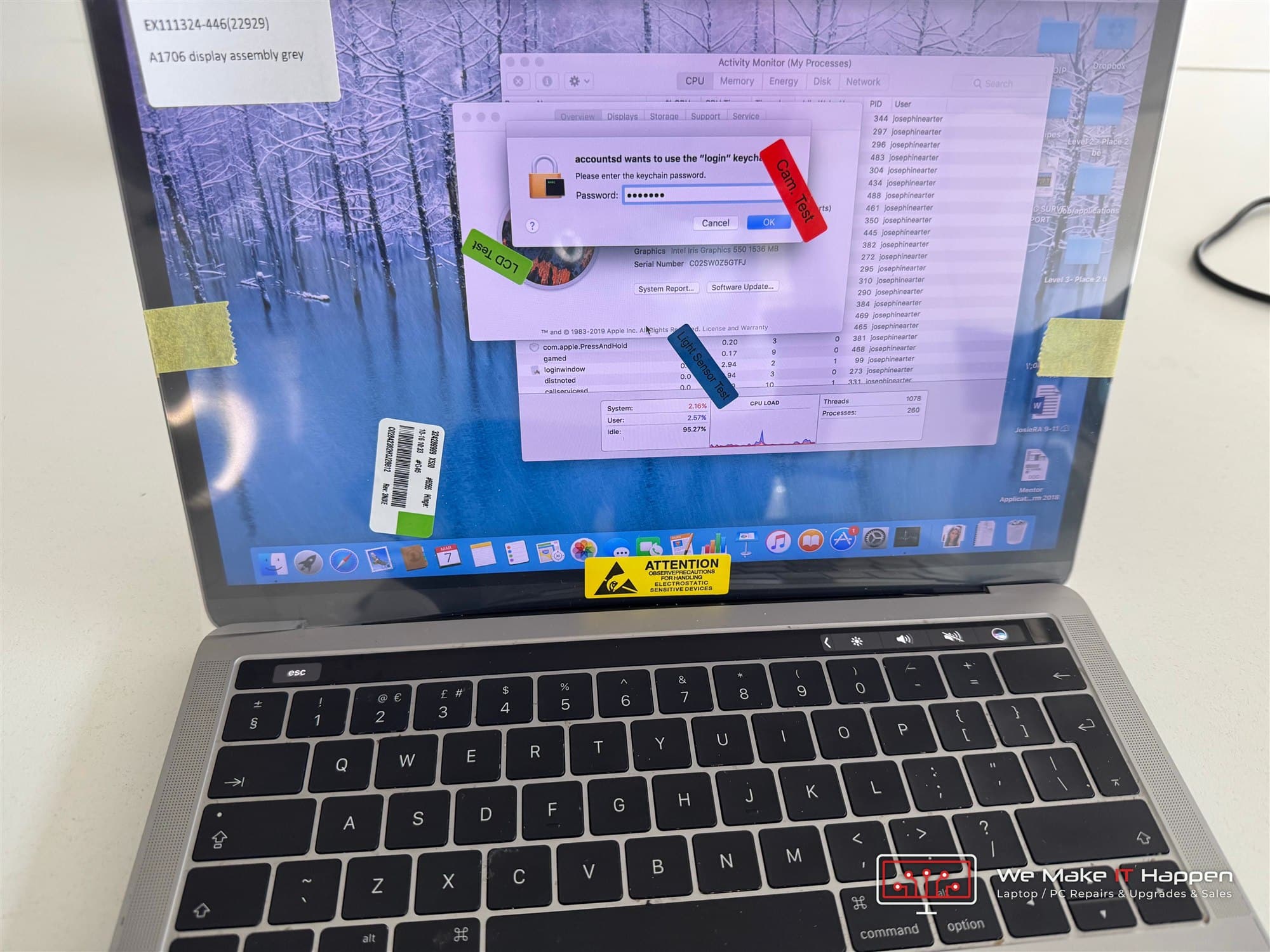
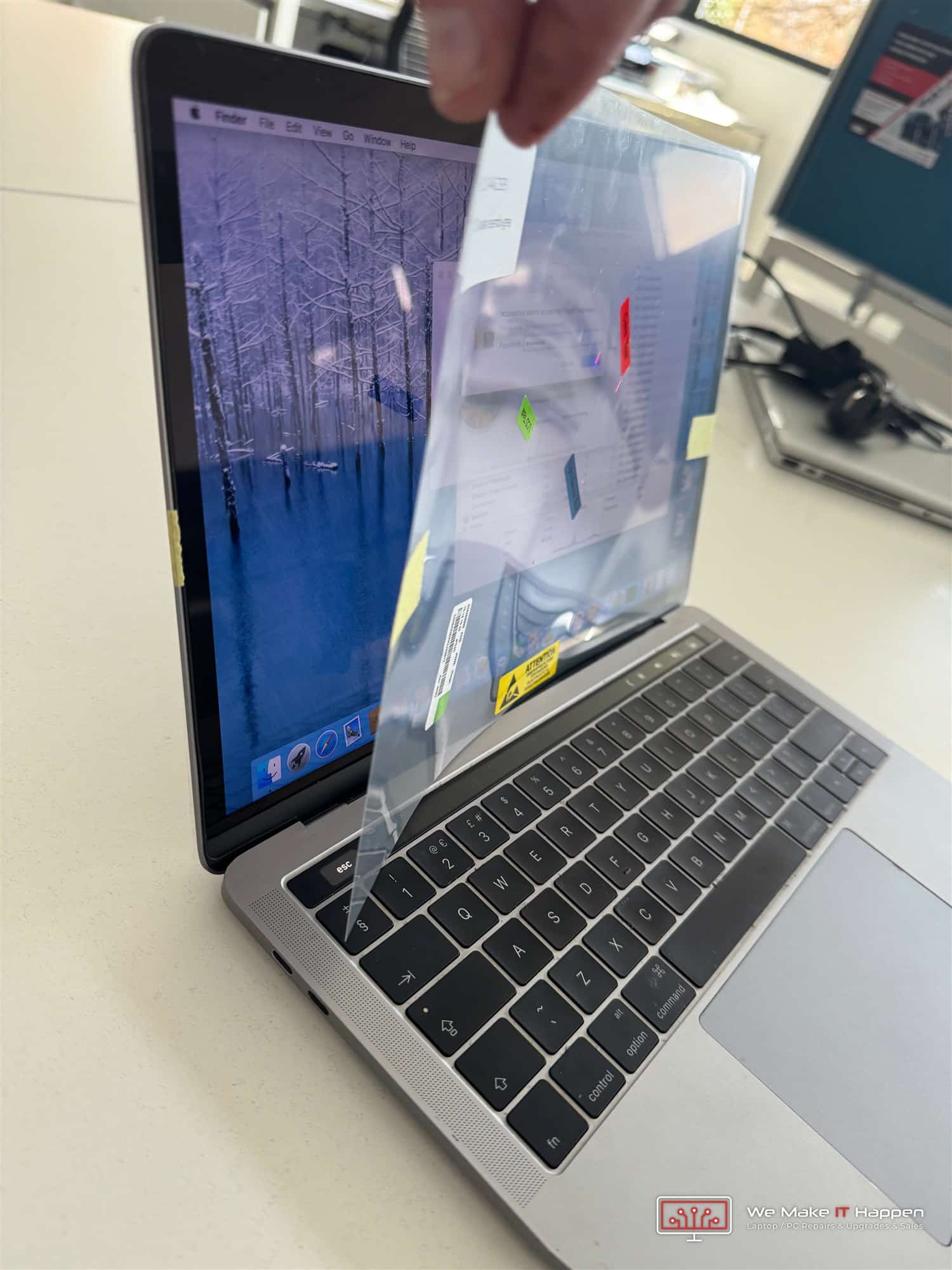
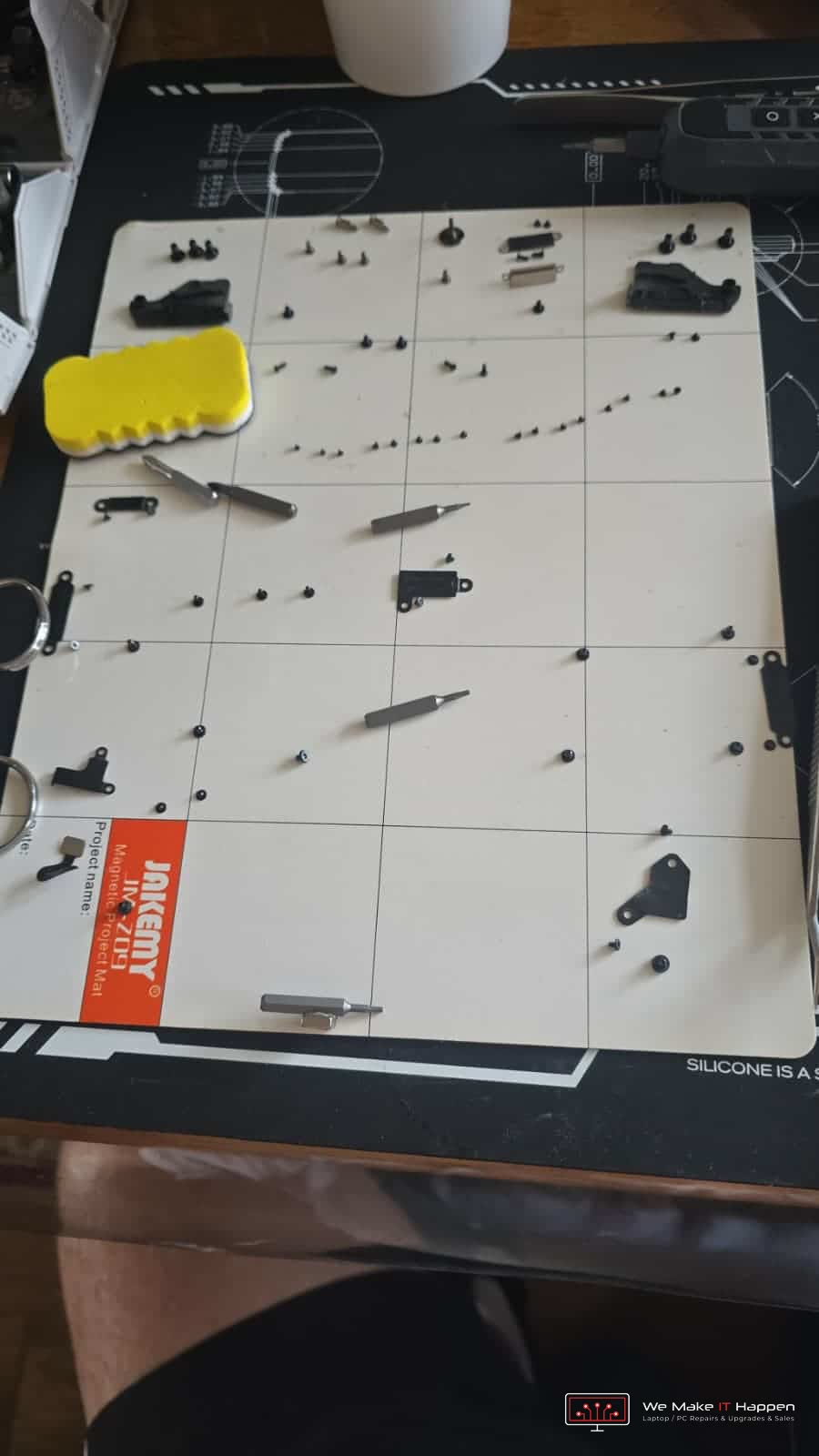
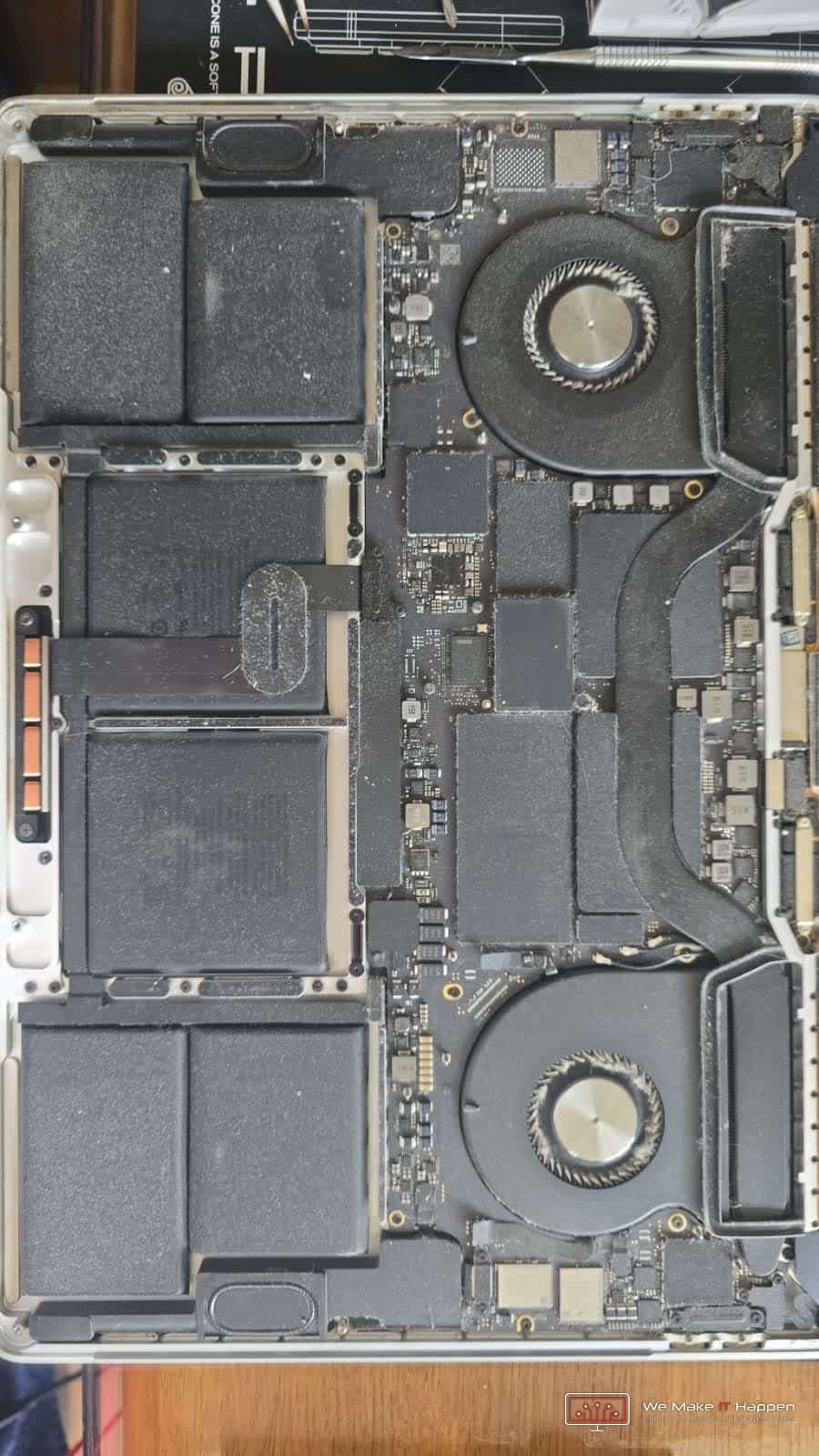
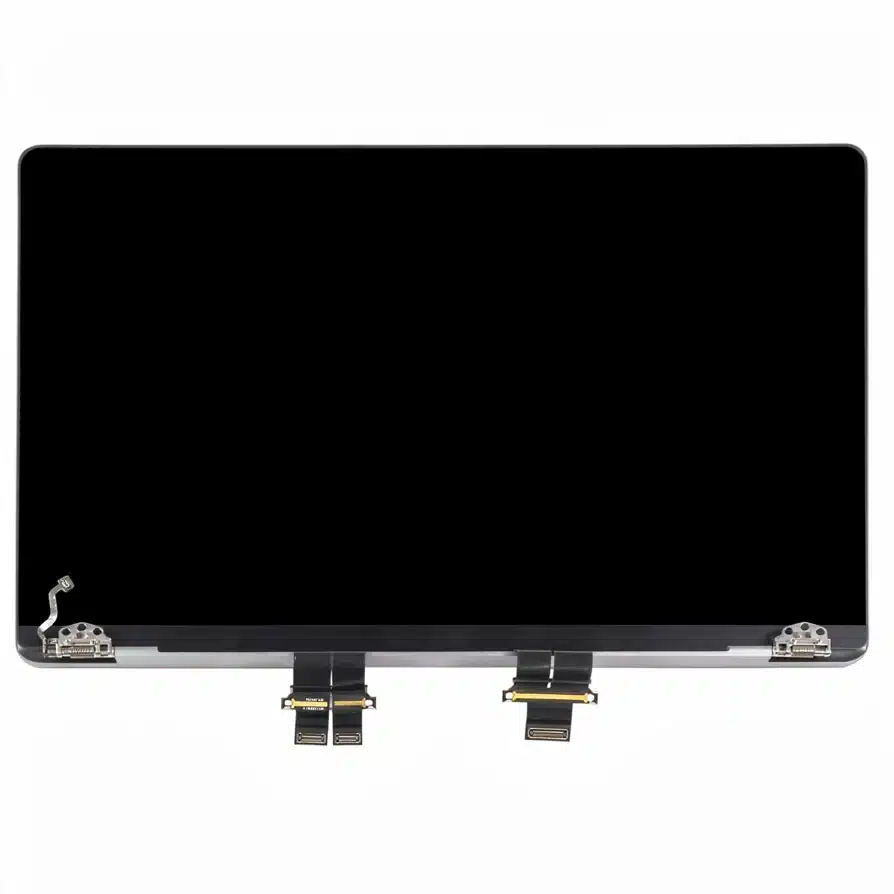
Read the full MacBook Pro screen replacement story
Signs you need a new screen
Most of these cannot be fixed in software. A new panel is the cure.
Cracked glass or a spider-web pattern
The LCD itself is broken. No setting or driver brings it back; the panel is replaced.
Black screen but the laptop sounds on
Could be the panel, the backlight or the cable. We test which before quoting, because a cable is much cheaper than a panel.
Vertical or horizontal lines
A damaged panel or the display ribbon cable. Lines that change when you move the lid usually mean the cable.
Pressure marks and ink-like blotches
Liquid crystal leaking from a knock. It spreads, so sooner is better.
Flickering or very dim picture
A failing backlight, sometimes the cable or a setting. We find out which before you pay for a panel.
Dead pixels or coloured dots
Stuck pixels on the panel. One or two are not worth a replacement; a cluster or a line of them is.
Picture only visible at an angle
The backlight or its connector. Often one of the cheaper fixes.
Touch not responding
The digitiser layer. Some touch panels come as one piece with the display, some separately; we quote the right one.
What we fit
The same size, resolution, connector and finish as the original, or an upgrade where the model allows it.
Standard and Full HD panels
Most everyday laptops. Matte or glossy to match the original, or an upgrade from HD to Full HD IPS where the model supports it.
Gaming panels, 120 Hz and up
High-refresh panels for gaming laptops such as the Dell G15, Asus TUF, MSI and Acer Nitro. We match the refresh rate so your games do not drop to 60 Hz.
Touchscreens and 2-in-1s
Touch digitiser and display together or separately, depending on how the model is built. Surface and Yoga-style devices with bonded glass are done too.
MacBook and Surface displays
MacBook Air and Pro display assemblies and Surface screens. These are glued rather than screwed, so they take longer and cost more. Why MacBook screens cost more
Why have it done here
A screen is a simple job to do badly. We do it properly.
The exact panel for your model
We check the part number, not just the screen size, so the colours, brightness and viewing angles are what you had before.
Hinges and cable checked while it is open
A cracked screen often comes with a strained hinge or cable. We check both and tell you if anything else needs doing, rather than letting it crack the new panel. Hinge repair
12-month warranty, no fix no fee
If a panel fails under warranty we replace it. If we cannot fix the laptop, you do not pay for the labour.
Not worth it? We say so
On an old laptop the panel can cost more than the machine is worth. If that is the case we tell you, and you can look at a refurbished laptop instead.
Questions customers ask
Straight answers before you book.
How much does a laptop screen replacement cost?
It depends on the panel. A standard 15.6-inch Full HD screen is the cheapest; 2K, 4K, 144 Hz gaming and touch panels cost more, and MacBook and Surface displays are the most expensive because the whole assembly is replaced. Send us the model and we give you one price for the part and the fitting. Our general price list is on the prices page.
How long does it take?
Fitting takes about an hour for most laptops, longer for glued displays. The wait is usually for the panel to arrive, typically one to two working days. If we have your panel in stock it is the same day.
Can you replace the screen while I wait?
If the panel is in stock, yes, by appointment. Otherwise we order it and book you in for the fitting, so you keep the laptop until the part arrives.
Do I lose my files?
No. A screen replacement is purely mechanical. We do not touch the drive and you do not need a backup for this repair, although a backup is always a good idea.
Is it the screen or the graphics card?
Connect the laptop to a TV or monitor with HDMI. A normal picture on the external display means the laptop screen or its cable is at fault. Lines, artefacts or nothing on the external display point to the graphics chip or motherboard, which we repair separately.
Can I upgrade to a better screen?
Often, yes. Many laptops that shipped with a 1366 x 768 panel accept a Full HD IPS panel with the same connector, and some gaming laptops can take a higher refresh rate. Tell us the model and we check what fits.
Do you replace MacBook screens?
Yes, MacBook Air and MacBook Pro. Apple displays are bonded assemblies, so the cost is higher than a Windows laptop. Read our article on why MacBook screens are expensive before you decide.
Will my touchscreen still work?
Yes. For touch models we fit a touch-capable panel or the combined glass-and-display assembly, and test touch before you collect.
Can I bring it to Dagenham or Cambridge?
Either. Fulbourn and Mill Road in Cambridge, or Northfield Road in Dagenham. Message us first so the panel is ordered before you come.
Where to bring it
Our workshops work by appointment, so please call or message us first.
Fulbourn, Cambridge
CamLife 4, Capital Park, Fulbourn, CB21 5XE
Monday to Friday 7am to 7pm
Weekends 7am to 7pm
Mill Road, Cambridge
163 Mill Road, CB1 3AN
Monday to Friday 9am to 9pm
Weekends 10am to 8pm
Dagenham
48 Northfield Road, RM9 5UR
Every day 7am to 9pm
Weekends and bank holidays 8am to 9pm
Cracked screen? Get a price today.
Send us the model name and a photo of the damage and we will quote the exact panel and the fitting.
Related:
Laptop hinge repair
Battery replacement
Keyboard replacement
Charging port repair
Motherboard and graphics repair
MacBook repairs
Prices
All services