
Laptop Charging Port Repair
Loose, wobbly or dead charging ports – DC jacks and USB-C ports replaced on the motherboard under the microscope in Cambridge & Dagenham
Laptop charging port repair in Cambridge and Dagenham
If you have to hold the charger at an angle, wiggle it, or it only charges when the cable sits just right, the port is worn or broken. We replace laptop charging ports for every brand: barrel DC jacks, USB-C ports soldered to the motherboard, and the charging circuit behind them when the port itself is fine.
- DC jack and USB-C port replacement, soldered under the microscope
- Charging circuit repair when a new port is not the answer
- Charger and battery tested so you only pay for the real fault
- No fix, no fee and a 12-month warranty
How a charging port repair works
Three steps, and you only do the first one.
A port that is physically loose is a straightforward replacement. A port that looks fine but does not charge is usually the charging circuit, which needs component-level diagnosis. Both are done here, in-house. Motherboard repair
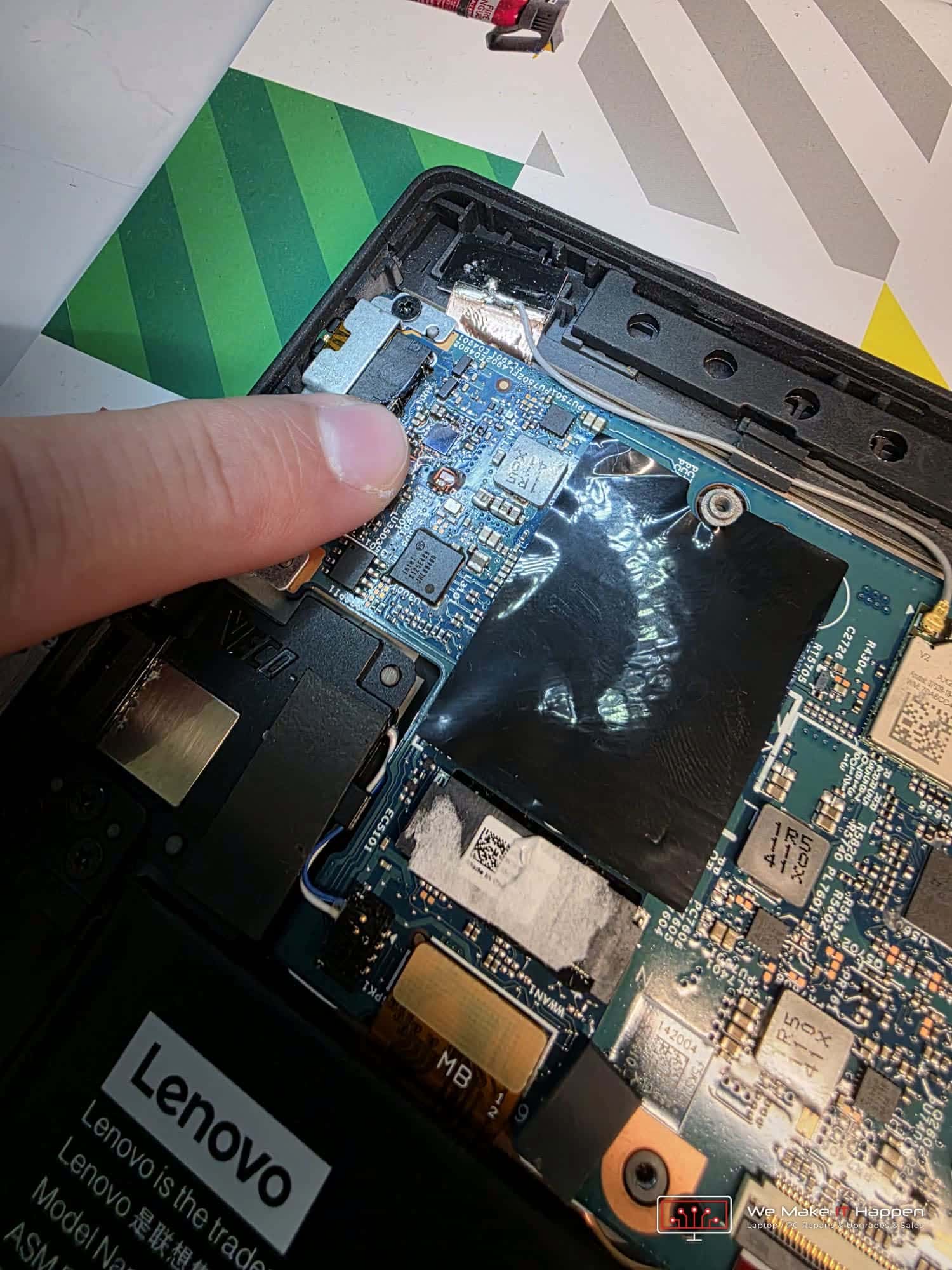
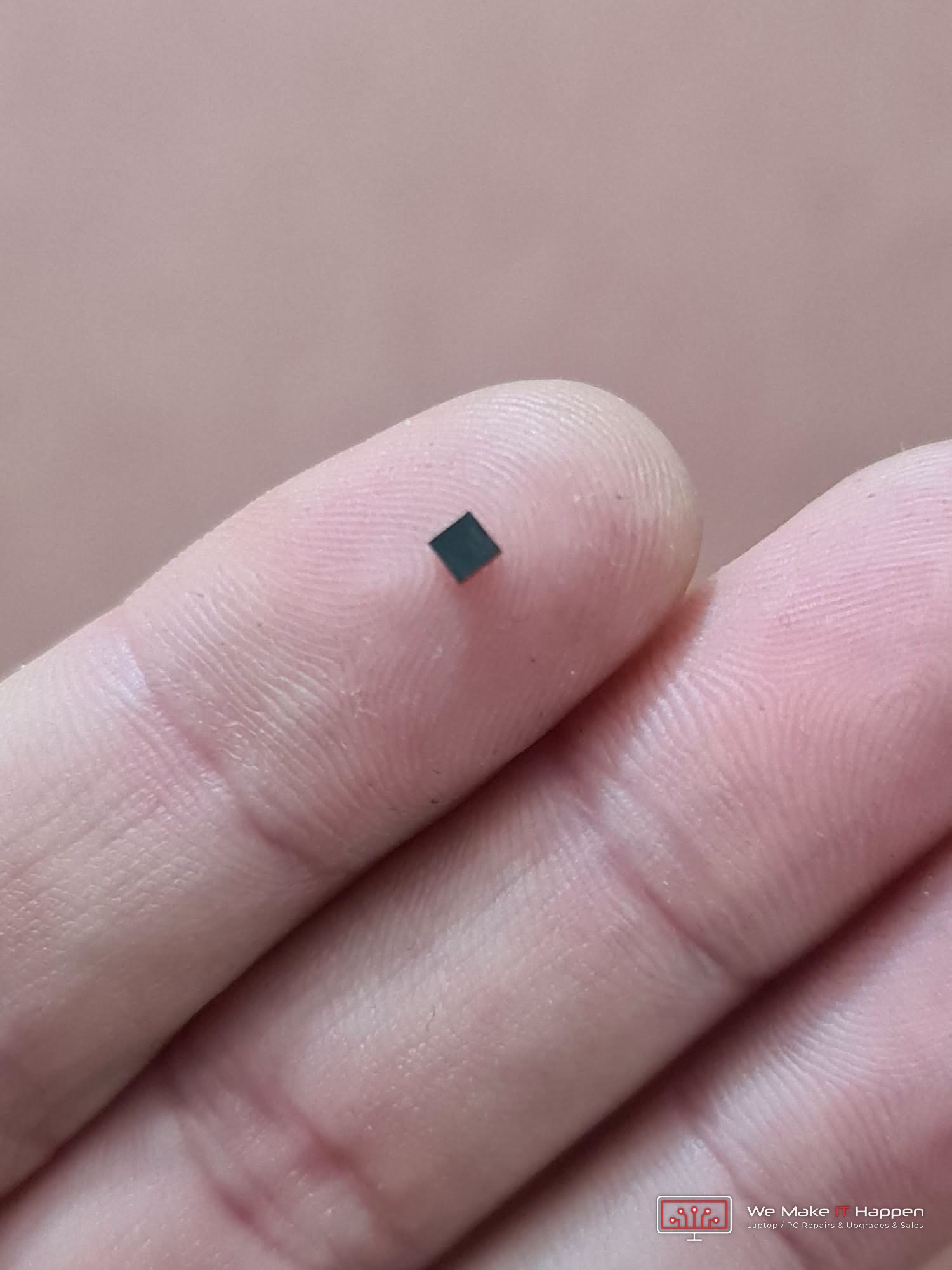
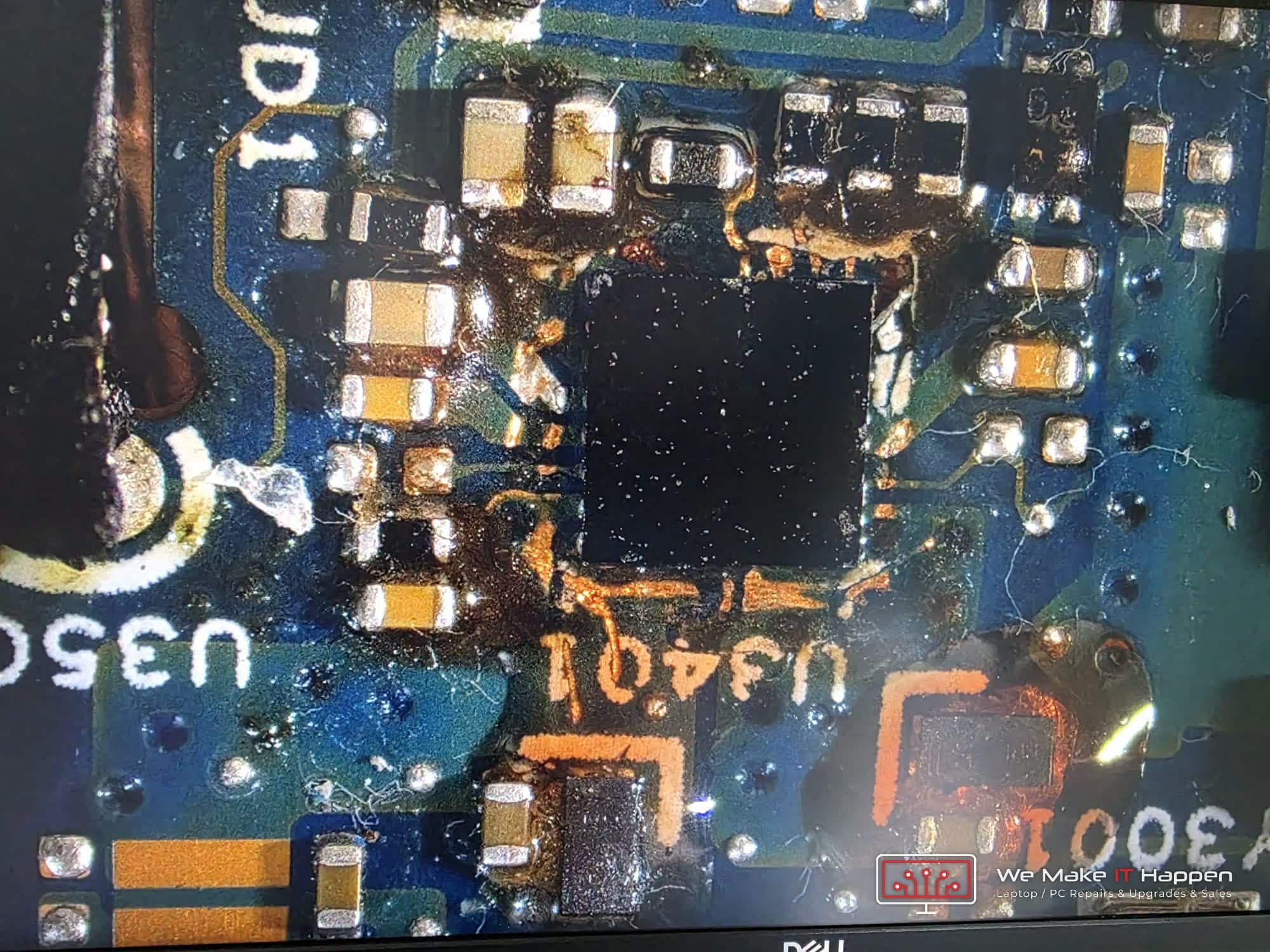
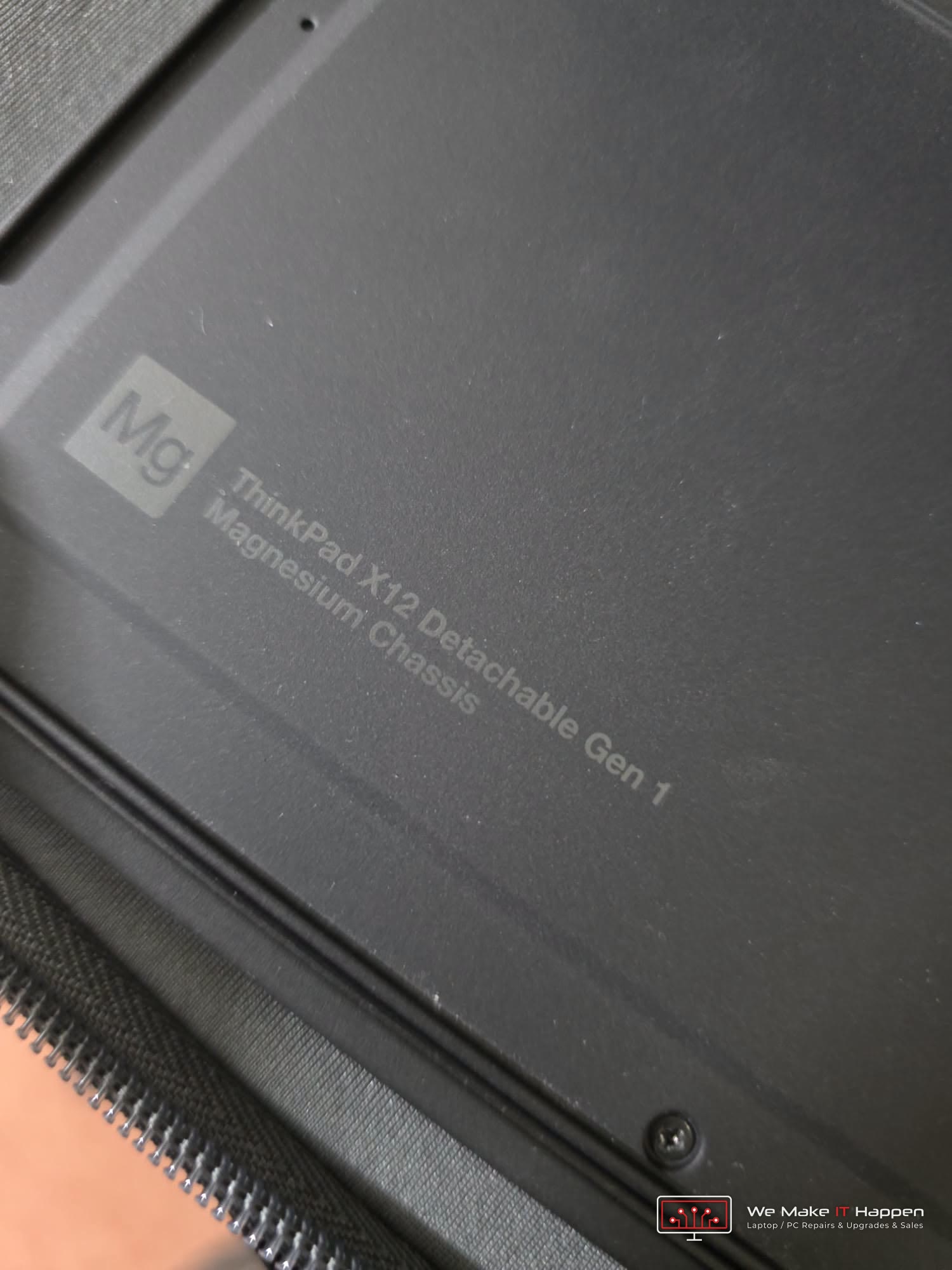
A real USB-C charging repair from our workshop
Lenovo ThinkPad X12 Detachable, Cambridge. It would not charge over USB-C. The port was fine; the power-delivery chip behind it had failed, so the board was repaired at component level instead of being replaced.
More about our component-level motherboard repairs
Charging problems we fix
The port, the charger, the battery and the circuit all cause similar symptoms. We find the real one.
Charger needs wiggling
The solder joints on the port have cracked or the pin has worn. Replacing the jack cures it.
Port loose or pushed in
The port has broken away from the board or its mount. We fit a new one and check the board around it.
USB-C will not charge
USB-C ports take the strain of charging and data. We replace the port, or the power-delivery chip behind it when the port is intact.
Charges only with one charger
Usually a worn port or a charger that is marginal. We test both.
Charger light goes off when plugged in
The laptop is shorting the charger. That is a board fault rather than the port, and needs component-level repair.
Battery not charging, port looks fine
Charging circuit or battery. We test before quoting, so you do not pay for a port you do not need.
What we repair
Every type of laptop power connector, plus the circuit behind it.
Barrel DC jacks
The round power connector on most Windows laptops. Soldered to the board or on a short cable; we replace either type.
USB-C charging ports
Soldered with many fine pins, so it is a microscope job. Common on newer Dell, HP, Lenovo, Asus and Surface laptops.
Charging circuits
The components that take power from the port and manage charging. Blown fuses, failed MOSFETs and charging ICs replaced on the motherboard.
MagSafe and Surface Connect
MacBook MagSafe boards and Surface Connect ports replaced. We also test the charger itself, which fails more often than people think.
Why have it done here
Soldering on a motherboard is not a job for a kitchen-table iron.
Soldering under the microscope
Ports are replaced on the board with proper rework equipment. The result is as strong as the original.
Tested before you pay
Charger output, port, battery and charging circuit are all tested, so the quote is for the real fault.
Done in-house
No sending away. The repair is done in our Cambridge or Dagenham workshop, usually within a couple of days of the part arriving.
12-month warranty, no fix no fee
If the port fails under warranty we repair it again. If it cannot be fixed, you do not pay for the labour.
Questions customers ask
Straight answers before you book.
How much does a charging port repair cost?
A DC jack on a cable is the cheapest; a jack or USB-C port soldered to the motherboard costs more because of the microscope work; a charging-circuit repair is quoted after diagnosis. Send us the model and the symptom and we will tell you the likely price. General pricing is on the prices page.
How long does it take?
Once the part is here, a port replacement is usually one to two hours of bench work and the laptop is back the same or next day. Parts take one to two working days.
Is it the port, the charger or the battery?
All three cause the same symptoms. We test the charger output, check the port under magnification and read the battery health before we quote, so you only pay for the actual fault.
Can a USB-C port be replaced?
Yes. It is soldered with many fine pins, so it is a microscope job, but it is routine for us.
My laptop will not switch on at all. Is that the port?
It can be, if the battery is flat and the port cannot deliver power. It can also be the motherboard. We diagnose first and quote the real fault.
Will I lose any data?
No. The repair is on the power side of the board. Your drive is not touched.
Do you fix MacBook MagSafe and Surface charging?
Yes. MagSafe boards, USB-C ports on newer MacBooks and Surface Connect ports are all replaced here.
Should I buy a new charger first?
If the charger is old or the cable is damaged it is worth testing with a known-good one, and we can do that for you. If the laptop still needs wiggling with a good charger, it is the port.
Where to bring it
Our workshops work by appointment, so please call or message us first.
Fulbourn, Cambridge
CamLife 4, Capital Park, Fulbourn, CB21 5XE
Monday to Friday 7am to 7pm
Weekends 7am to 7pm
Mill Road, Cambridge
163 Mill Road, CB1 3AN
Monday to Friday 9am to 9pm
Weekends 10am to 8pm
Dagenham
48 Northfield Road, RM9 5UR
Every day 7am to 9pm
Weekends and bank holidays 8am to 9pm
Charger needs wiggling? Get it fixed properly.
Send us the model and what the charger is doing and we will give you a price.
Related:
Battery replacement
Motherboard repair
Screen replacement
Keyboard replacement
Hinge repair
MacBook repairs
Prices
All services