
Laptop Battery Replacement
Laptop batteries that die in an hour, will not charge or have swollen – replaced in Cambridge & Dagenham, tested and calibrated, 12-month warranty
Laptop battery replacement in Cambridge and Dagenham
If your laptop only works plugged in, drops from 40% to off, or the trackpad has started to bulge, the battery is finished. We fit new batteries for Dell, HP, Lenovo, Asus, Acer, MSI, Surface and MacBook, including the built-in ones that need the laptop opened, and we take the old battery for recycling.
- Internal and removable batteries, every major brand
- Swollen batteries removed safely, the day you bring it in
- Charge tested and calibrated before you collect
- No fix, no fee and a 12-month warranty
How a battery replacement works
Three steps, and you only do the first one.
Runs fine on the mains but dies off it? That is the battery. Does not charge at all, even with a new battery? That is usually the charging port or the charging circuit, and we repair those too.
Real battery jobs from our workshop
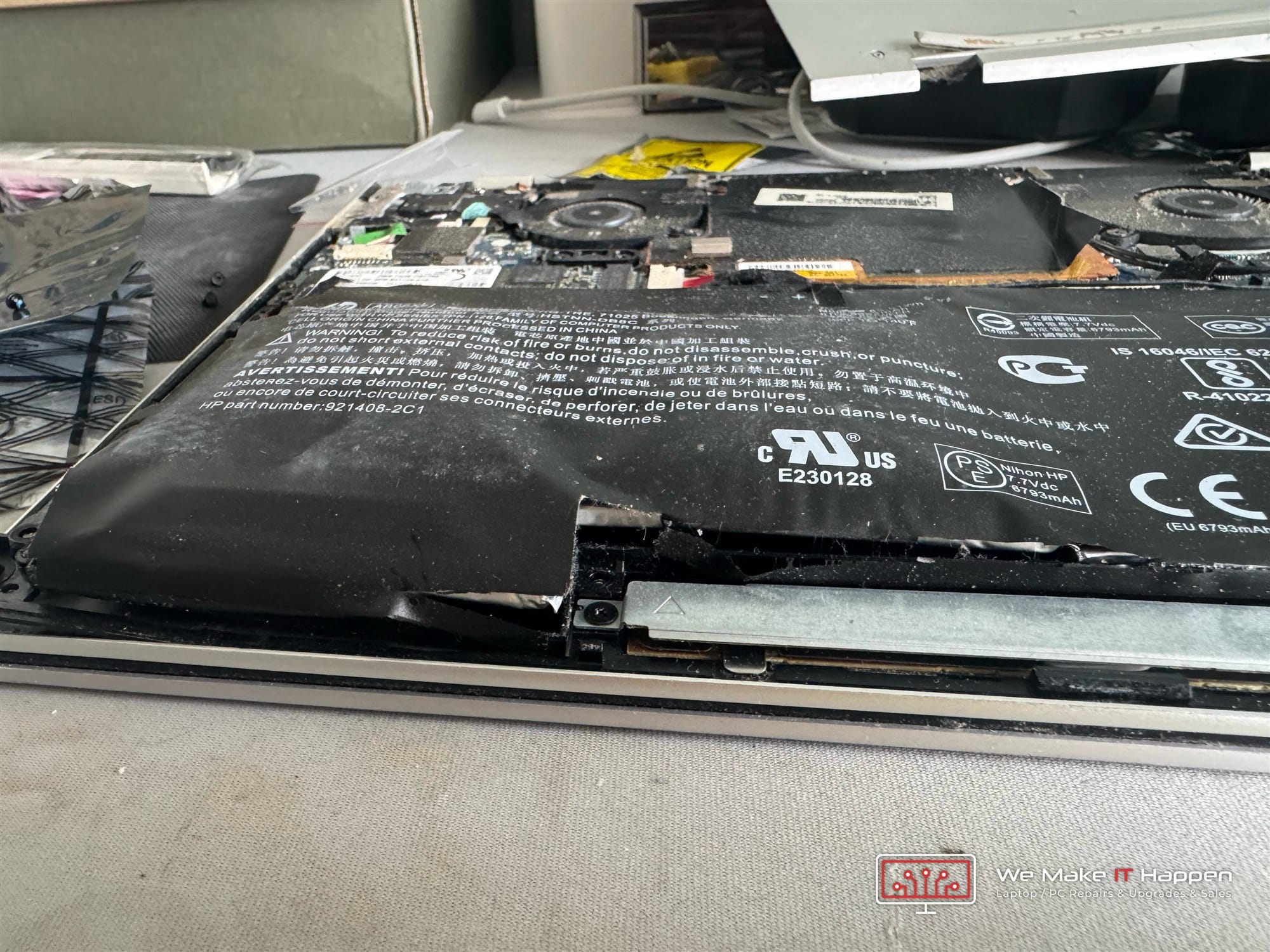
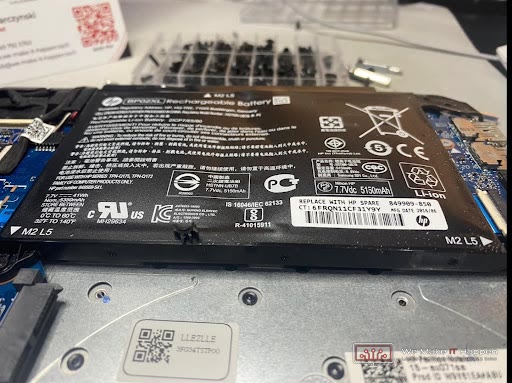
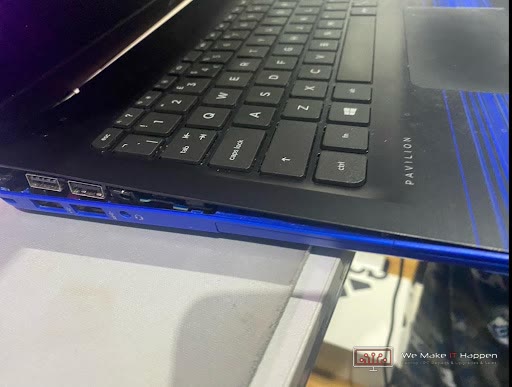
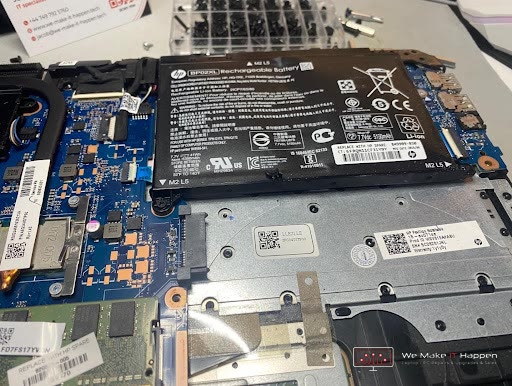
A worn battery does not just run out early. A swollen one pushes the keyboard and trackpad up, splits the case, and in the worst case can catch fire. Both of these laptops were still being used when they came in.
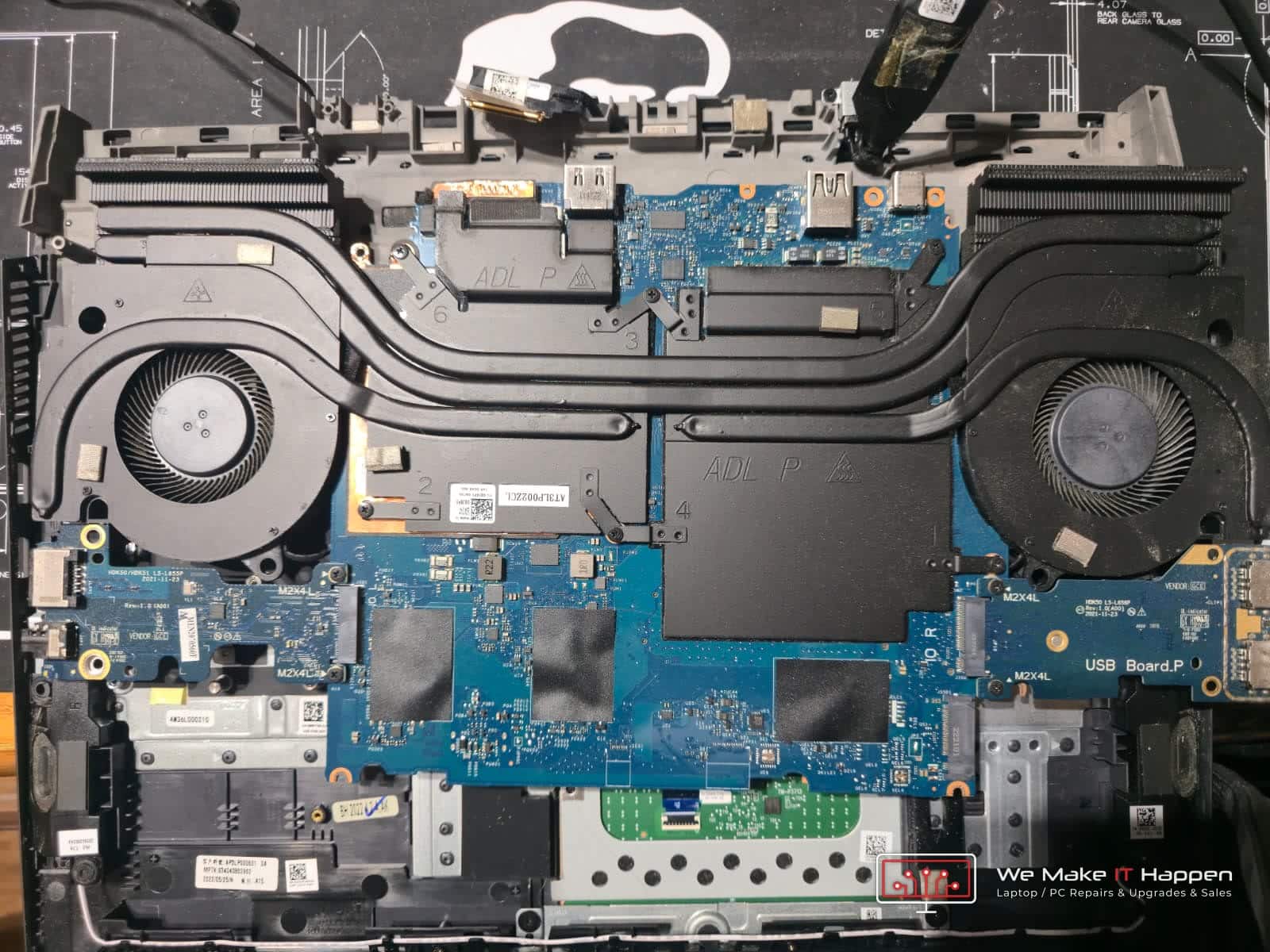
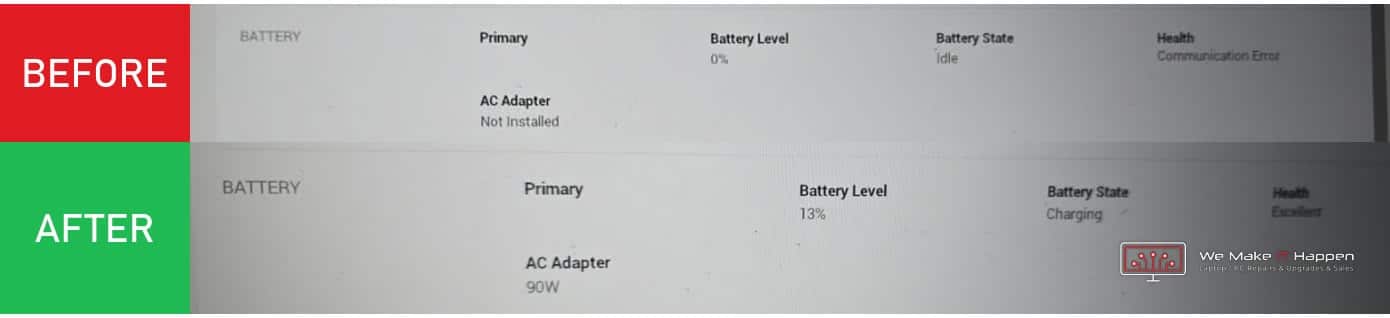
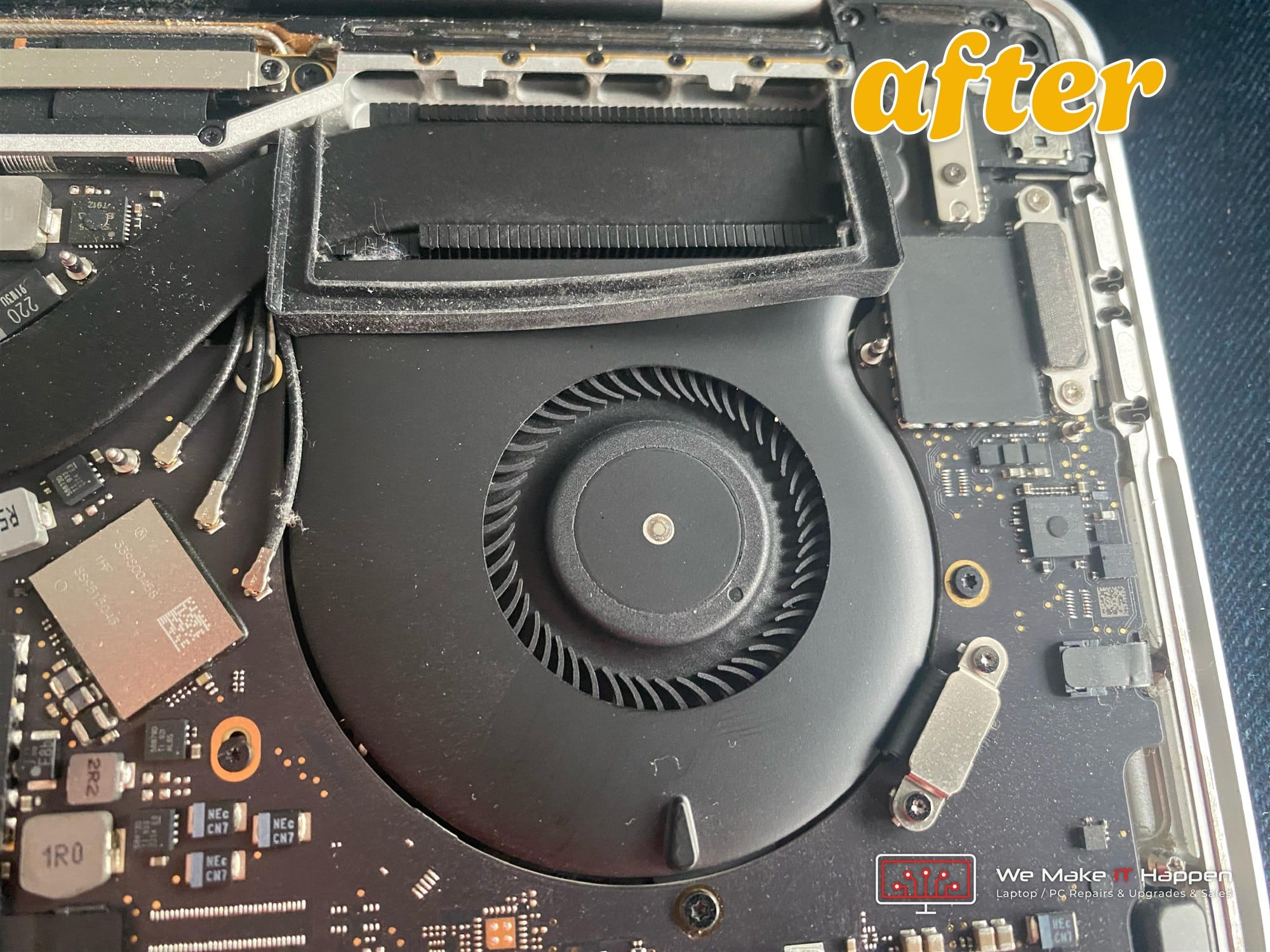
Read the full Dell G15 case study
Signs the battery is done
Lithium batteries wear out. These are the usual ways they tell you.
Runs out in an hour
A healthy battery lasts several hours. If a full charge is gone in one, the cells have worn out.
Switches off at 30 or 40%
The battery reports more charge than it holds. A sudden shutdown with charge still showing is a classic worn battery.
Only works plugged in
Unplug it and it dies instantly: the battery cannot hold any charge at all.
Swollen battery
The trackpad lifts, the case bulges or the laptop rocks on the desk. Stop using it, unplug it and bring it in. Do not press on the bulge.
“Plugged in, not charging”
Can be the battery, the charger or the charging circuit. We test all three before we quote.
Battery warning in Windows or macOS
“Consider replacing your battery” or “Service recommended” means the system has measured the capacity and it is well below new.
What we fit
The right voltage, capacity and connector for your laptop, tested on the bench.
Built-in batteries
Most laptops made since 2015 keep the battery under the bottom cover. We open the laptop, replace it and refit the cover properly, with the right screws in the right holes.
Removable batteries
Older laptops with a clip-out battery. Quick to replace, and we check the contacts and the charger while we are at it.
MacBook batteries
MacBook Air and Pro batteries are glued in and need careful removal. We fit a new battery, reset the battery management and check the cycle count reports correctly.
Chargers and charging faults
A new battery will not help if the charger or the port is the problem. We test the charger output and the port first, so you only pay for what is actually wrong. Charging port repair
Why have it done here
A battery is cheap to fit badly and expensive to get wrong.
Matched to the model, tested on the bench
Each battery is charge-tested and the reported capacity checked before you collect, not just dropped in.
Swollen batteries handled safely
A swollen lithium battery is a fire risk. We remove it without puncturing it and send it for recycling, which is why we ask you to bring it in rather than post it.
No data risk
A battery swap never touches your drive. Your files, settings and passwords stay exactly as they were.
12-month warranty, no fix no fee
If a battery fails under warranty we replace it. If the laptop turns out to have a different fault, you only pay for what we fix.
Questions customers ask
Straight answers before you book.
How much does a laptop battery replacement cost?
It depends on the laptop. Standard Windows laptop batteries are the cheapest; MacBook and Surface batteries cost more because of the glued-in design and the labour. Send us the model and we quote the battery and the fitting as one price. General pricing is on the prices page.
How long does it take?
Fitting is 20 to 60 minutes for most laptops, longer for MacBooks. If the battery is in stock we do it while you wait, by appointment. Otherwise it arrives in one to two working days.
My battery is swollen. Is it dangerous?
It can be. Stop using the laptop, unplug it, keep it somewhere cool and away from anything flammable, and bring it in. Do not press on the bulge, puncture it or put it in the bin. We remove it safely and recycle it.
Can you use a genuine battery?
Where the manufacturer still supplies them, yes. For older models we use quality replacement batteries with the correct capacity and protection circuit, tested before fitting.
Will a new battery fix “plugged in, not charging”?
Only if the battery is the cause. The charger, the DC jack or USB-C port and the charging circuit on the motherboard can all produce the same message. We test them first, so you do not buy a battery you do not need.
How long should a laptop battery last?
Around 300 to 500 full charge cycles, which is typically two to four years of normal use. Heat and sitting at 100% all day wear it out faster.
Do you replace MacBook batteries?
Yes, Air and Pro. The old battery is glued in, so it takes longer and we quote accordingly. We reset the battery management afterwards so macOS reports the new capacity correctly.
Do I need to bring the charger?
Yes please. We test the charger as part of the job, and some charging faults turn out to be the charger rather than the battery.
Where to bring it
Our workshops work by appointment, so please call or message us first.
Fulbourn, Cambridge
CamLife 4, Capital Park, Fulbourn, CB21 5XE
Monday to Friday 7am to 7pm
Weekends 7am to 7pm
Mill Road, Cambridge
163 Mill Road, CB1 3AN
Monday to Friday 9am to 9pm
Weekends 10am to 8pm
Dagenham
48 Northfield Road, RM9 5UR
Every day 7am to 9pm
Weekends and bank holidays 8am to 9pm
Laptop dying off the mains? Get a price today.
Send us the model and we will quote the battery and the fitting as one price.
Related:
Charging port repair
Screen replacement
Keyboard replacement
Hinge repair
Motherboard repair
MacBook repairs
Prices
All services