
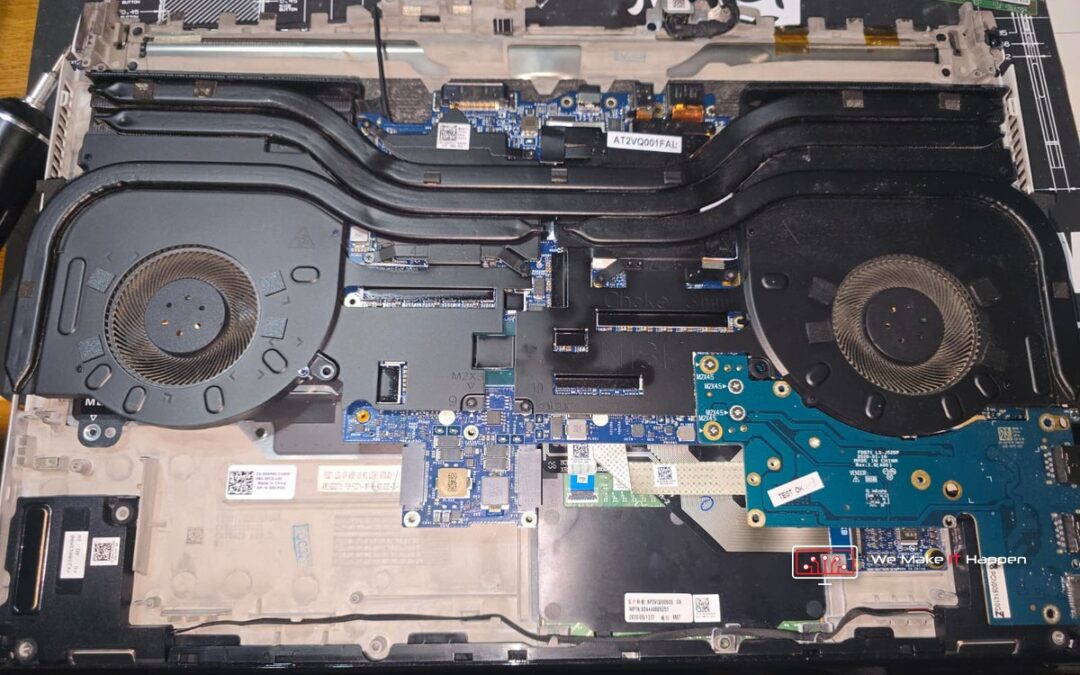
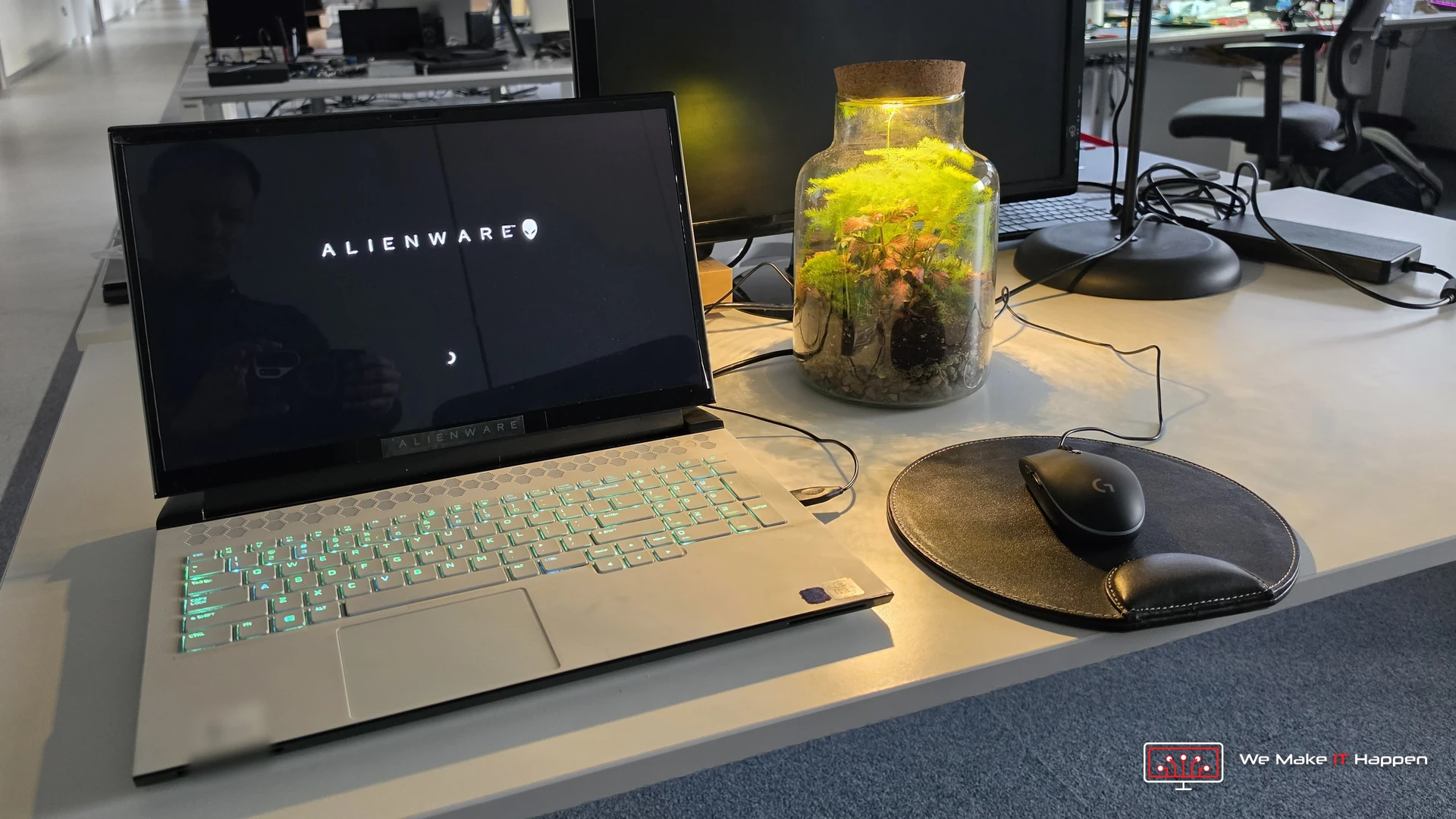
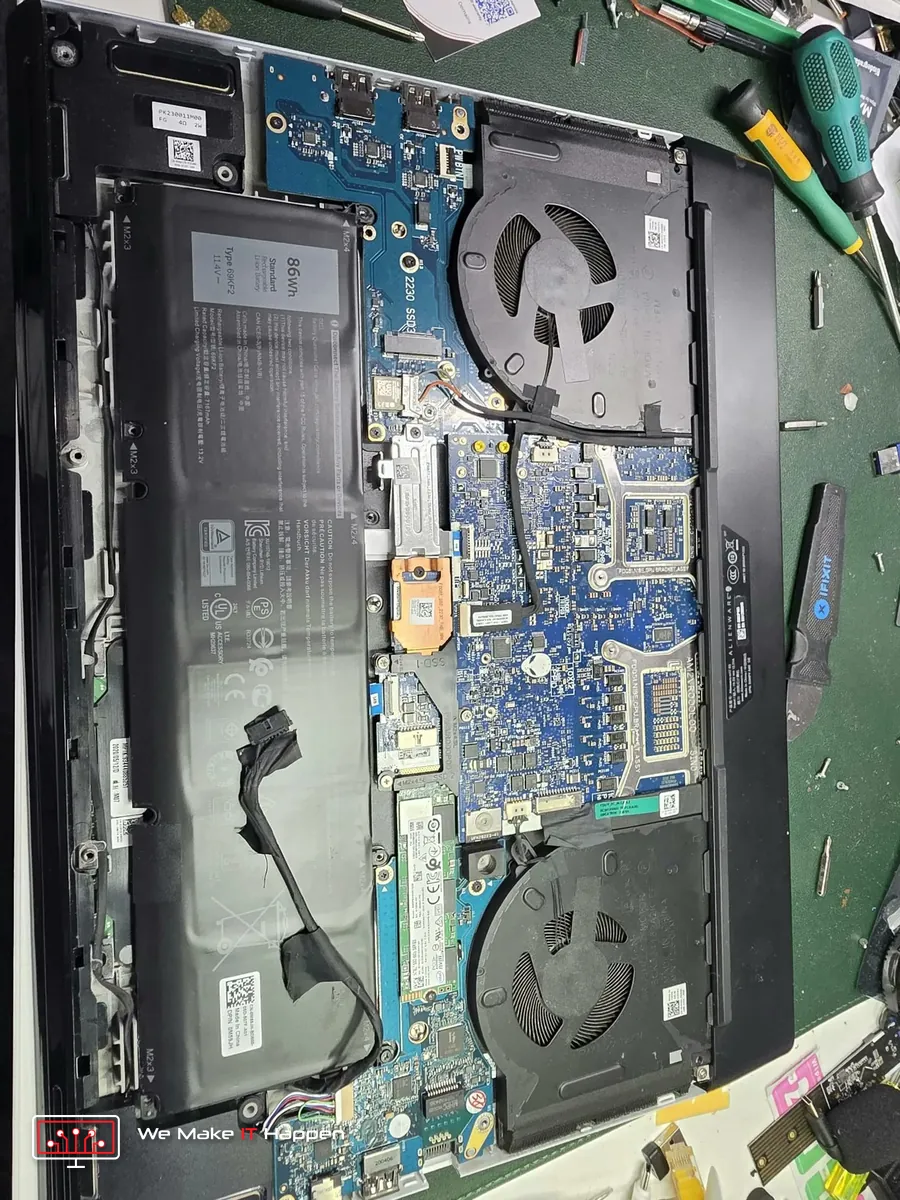
This white Alienware m17 R3 came to us for an Alienware repair in Cambridge with three problems at once: a fan that roared all the time, a built-in keyboard that did not work at all, and a battery that would not hold its charge. The owner needed it back quickly. Here is what we found, what we fixed, and what we could not fix, all within 48 hours and for £210.
- Diagnostics with sensor logs and two full reports
- BitLocker checked, and all three drives fully decrypted
- Full strip-down and deep clean, both fans
- Fresh thermal paste on the processor and the graphics chip
- Keyboard connector repaired: the keyboard works again
- BIOS checked (already the latest) and the SSDs checked
- MemTest86 on the soldered memory, and Windows told to skip the faulty spots
- 8 hours of OCCT System Gold, 0 errors
- A 16-hour stability run on its charger: no crash, 0 errors
- A new 86 Wh battery tested: it failed, so it went back at no cost to the owner
Honest note: the owner’s own battery works again but it is worn, so it lasts about 15 minutes in Windows, and the memory fault is worked around, not cured. We told the owner exactly that.
What we found
Before we touched anything, we logged every sensor under full load. The Intel Core i7-10750H sat at its 100 °C limit and could only use about 42 W, so it slowed itself down to about 3,000 MHz. Dell allows this processor up to 107 W, so it was running at well under half of what it can do.
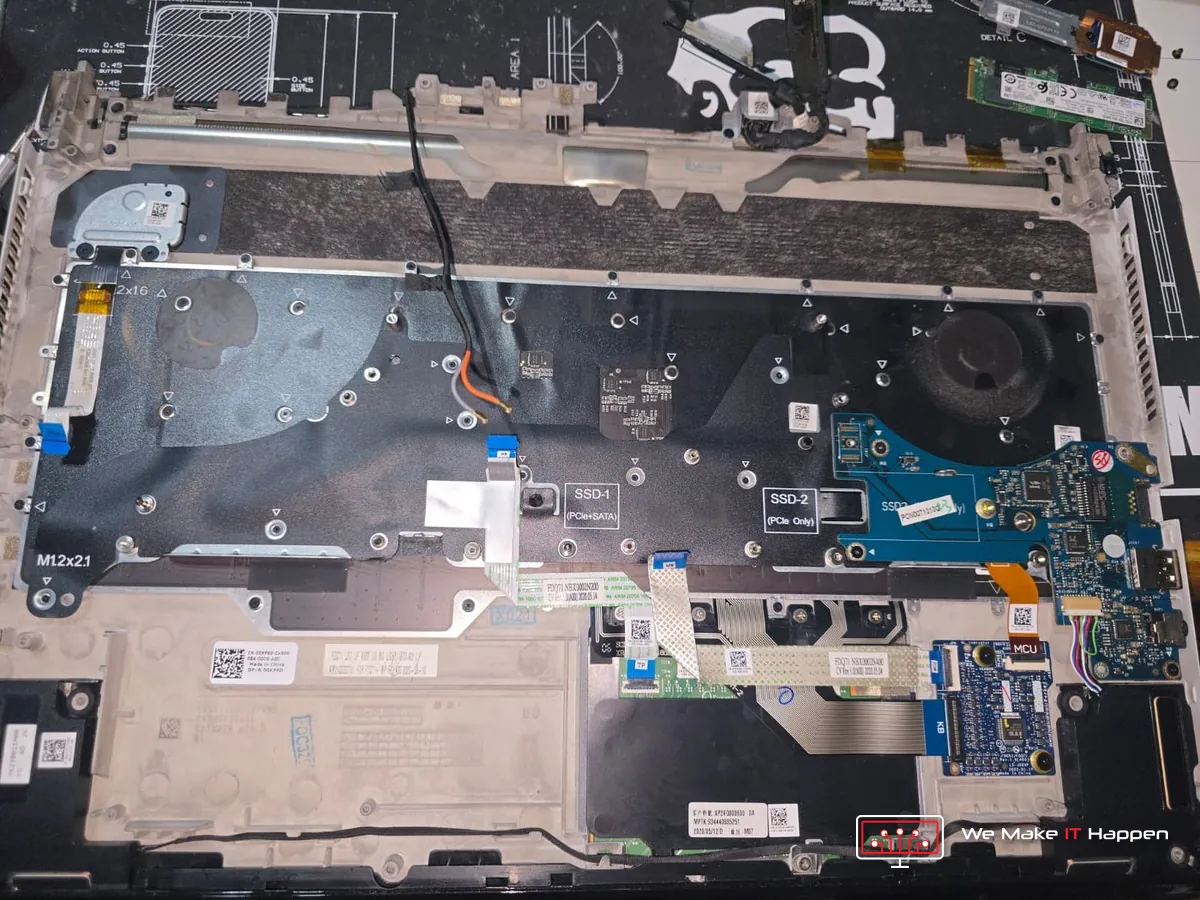
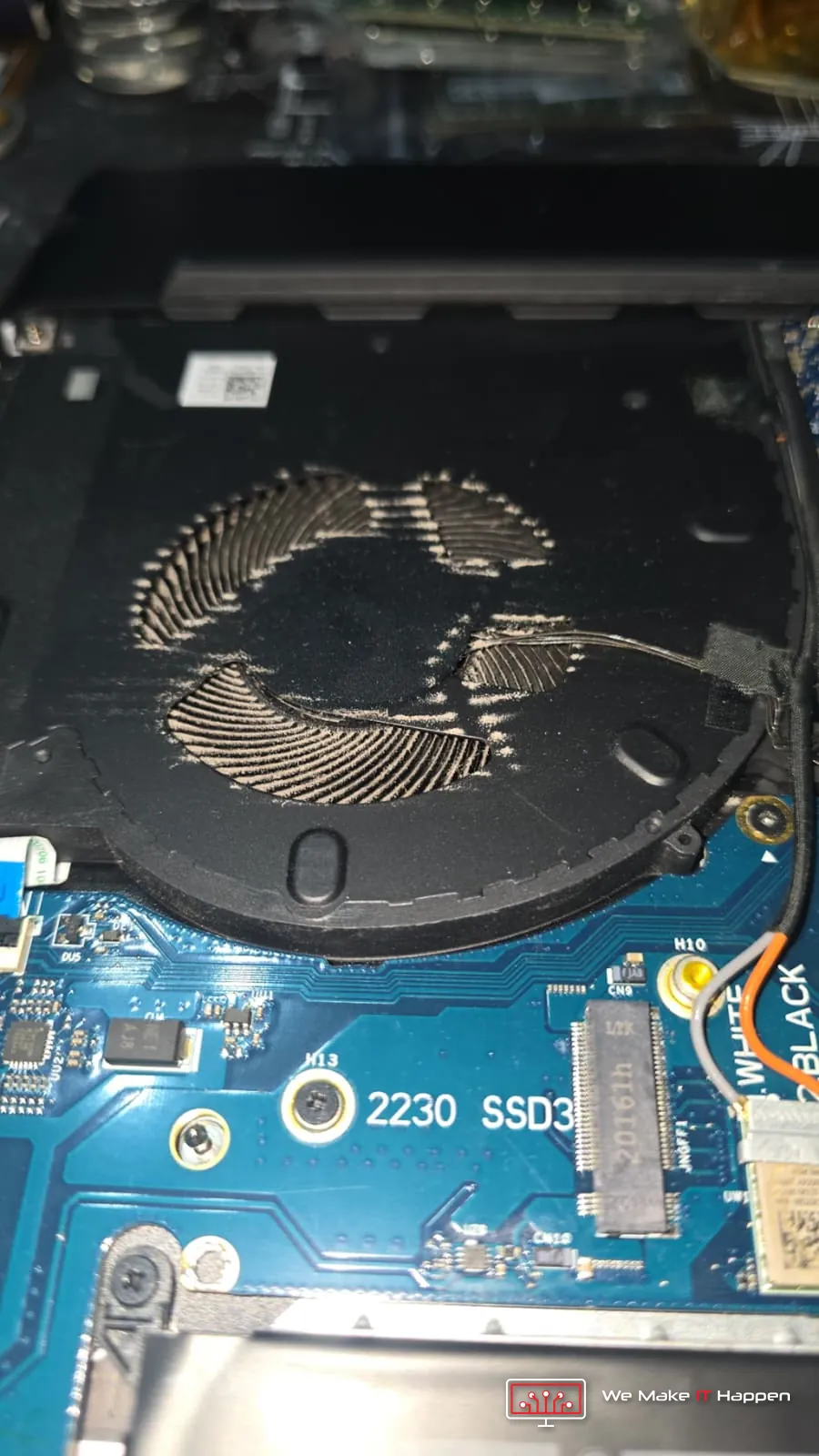
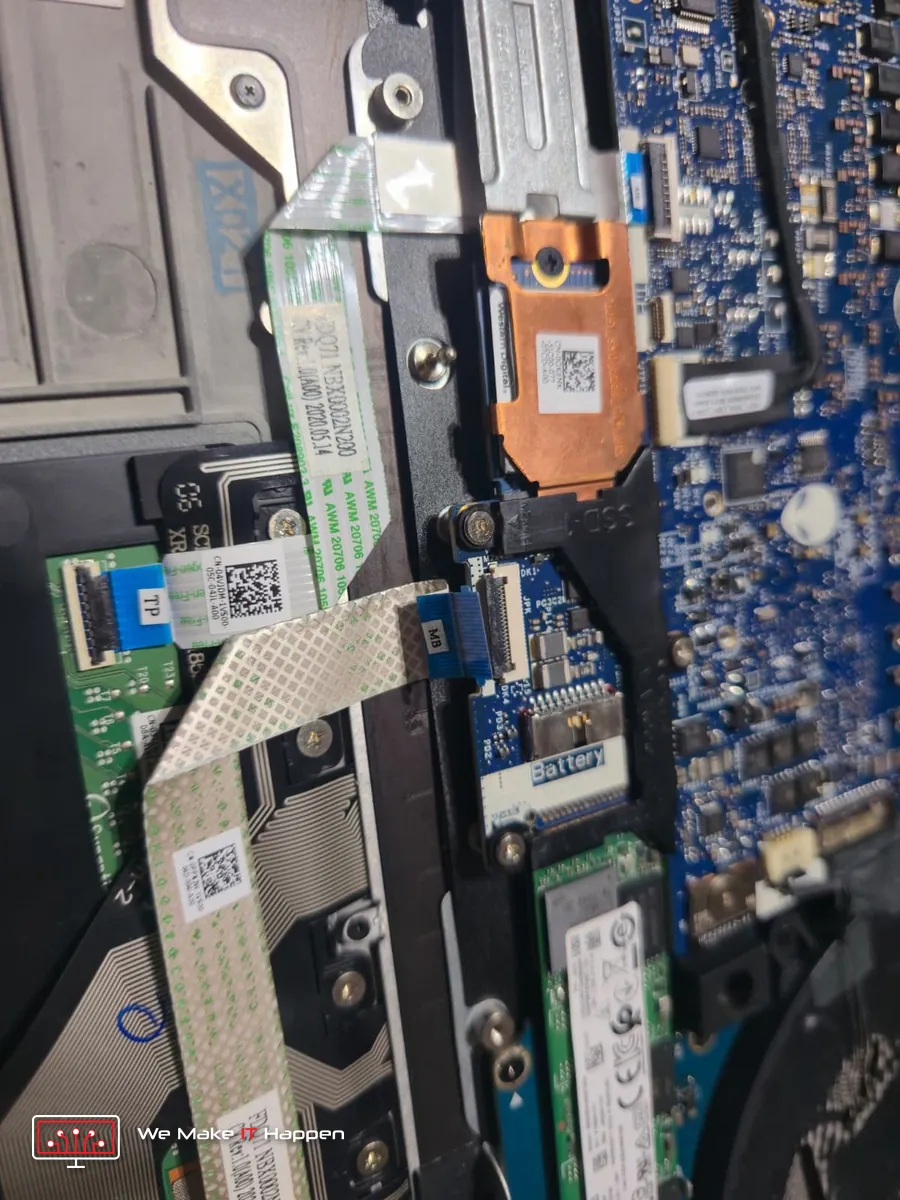
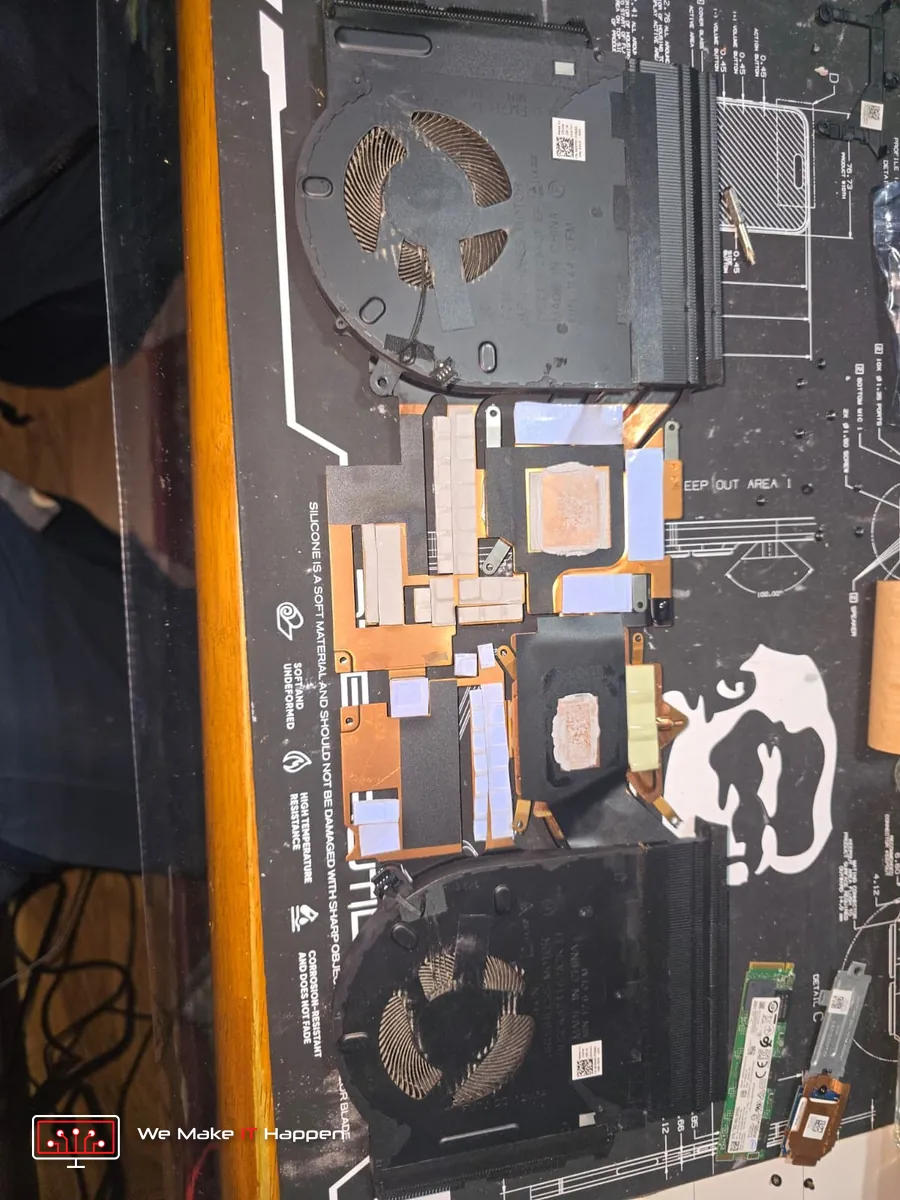
Inside, the reason was clear: dust in the fans and old thermal paste that had dried out. The keyboard was dead because its connector had been damaged by an earlier repair attempt.
What we did
- Checked BitLocker first, before the battery was disconnected, so the owner’s files stayed safe. All three drives are now fully decrypted, so the files can still be recovered even if the laptop fails one day.
- Full strip-down and deep clean: both fans, the heatsink fins and the air paths.
- Fresh thermal paste on the processor and the RTX 2070 graphics chip.
- Repaired the keyboard connector: the keyboard works again.
- Checked the BIOS: it was already on Dell’s latest version, 1.37.0, so no update was needed.
The results: 8 hours of OCCT Gold, 0 errors
After the service the laptop ran OCCT’s System Gold schedule: 8 hours 1 minute of the hardest processor, memory and graphics tests, with 0 errors and 0 Windows hardware errors. In the two-hour processor test it now holds about 91 W at about 4,000 MHz, more than double the 42 W it managed before. In the 1.5-hour memory test, a long heavy load on about 62 W, it stays around 82 °C.
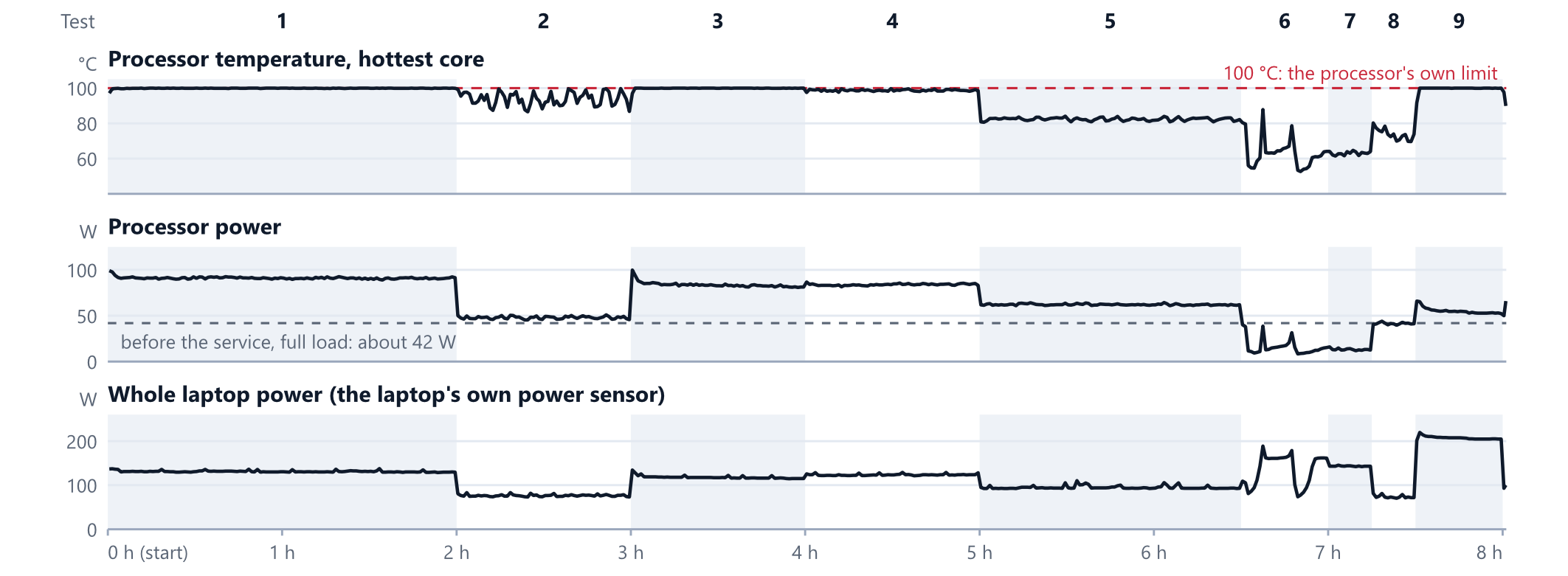
Then it ran for 16 hours and 26 minutes non-stop on its charger, mostly everyday use with short bursts of full power, without a single crash, freeze or hardware error, and nothing got worse over time. That was a stability run, not a stress test: the stress proof is the 8 hours of OCCT Gold above.
What we could not fix, and why we say so
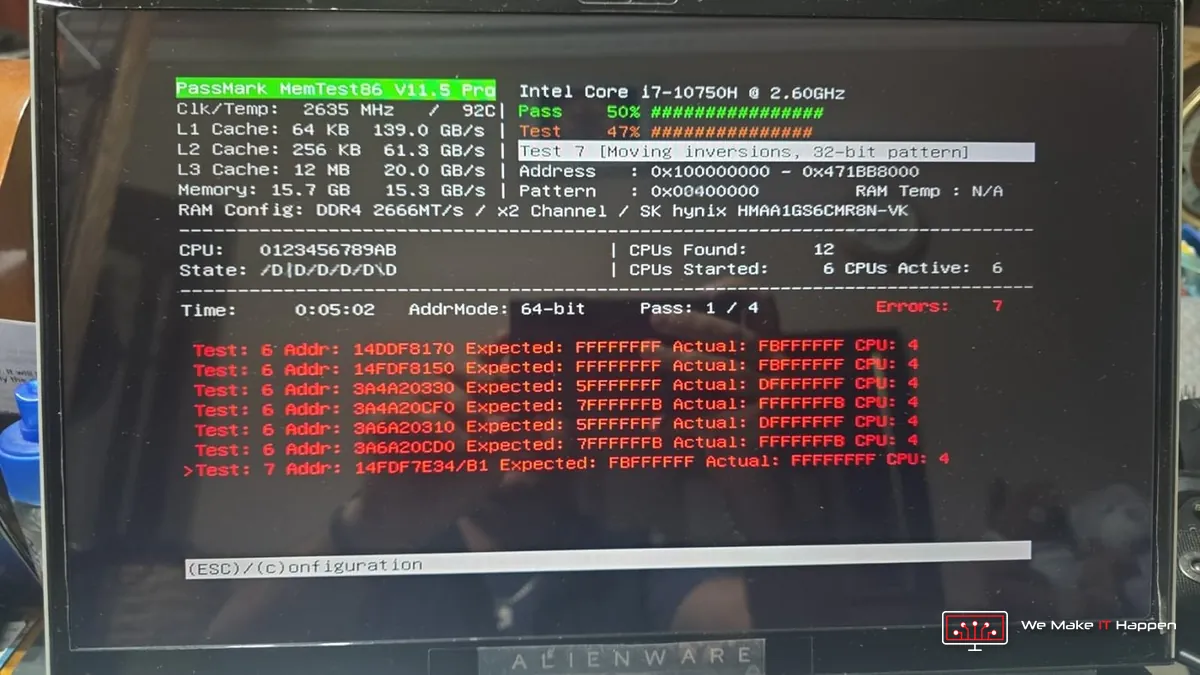
We always tell the owner the whole story. MemTest86, which tests every byte of the memory outside Windows, found errors in the soldered 16 GB of memory. On this model the memory is part of the motherboard, so the only real fix would be a new board, which costs more than the laptop is worth. To help, we told Windows to stay away from the exact memory spots MemTest86 found.
A new compatible 86 Wh battery arrived the next day, but it failed: it cut out every time Windows started. So it went back, and the owner does not pay for it. With the owner’s own battery back in and fully charged, the laptop runs in Windows on battery again, for about 15 minutes, with the charge going down normally. That battery is worn, at 37.9 of its original 86 Wh, so it lasts a short time, and longer on light use.
How long does an Alienware repair take?
This one took 48 hours from drop-off to the final report, including the 8-hour stress test and waiting a day for the battery. A deep clean with fresh paste is usually done the same day; the long tests are what prove the result.
The owner got a full report with every number, photo and test, plus the OCCT Gold certificate online.
Gaming laptop running hot or loud? See our laptop repair service, call us on 07497 925760 or send us a message. Every job comes with our workshop warranty and a completion report.